Users
Developers
Partners
Back to Sanka
Login
Users
Developers
Partners
Users
/
Workspace
Timezone Settings
Copy page
Configuring your timezone settings
Last updated: May 16, 2026
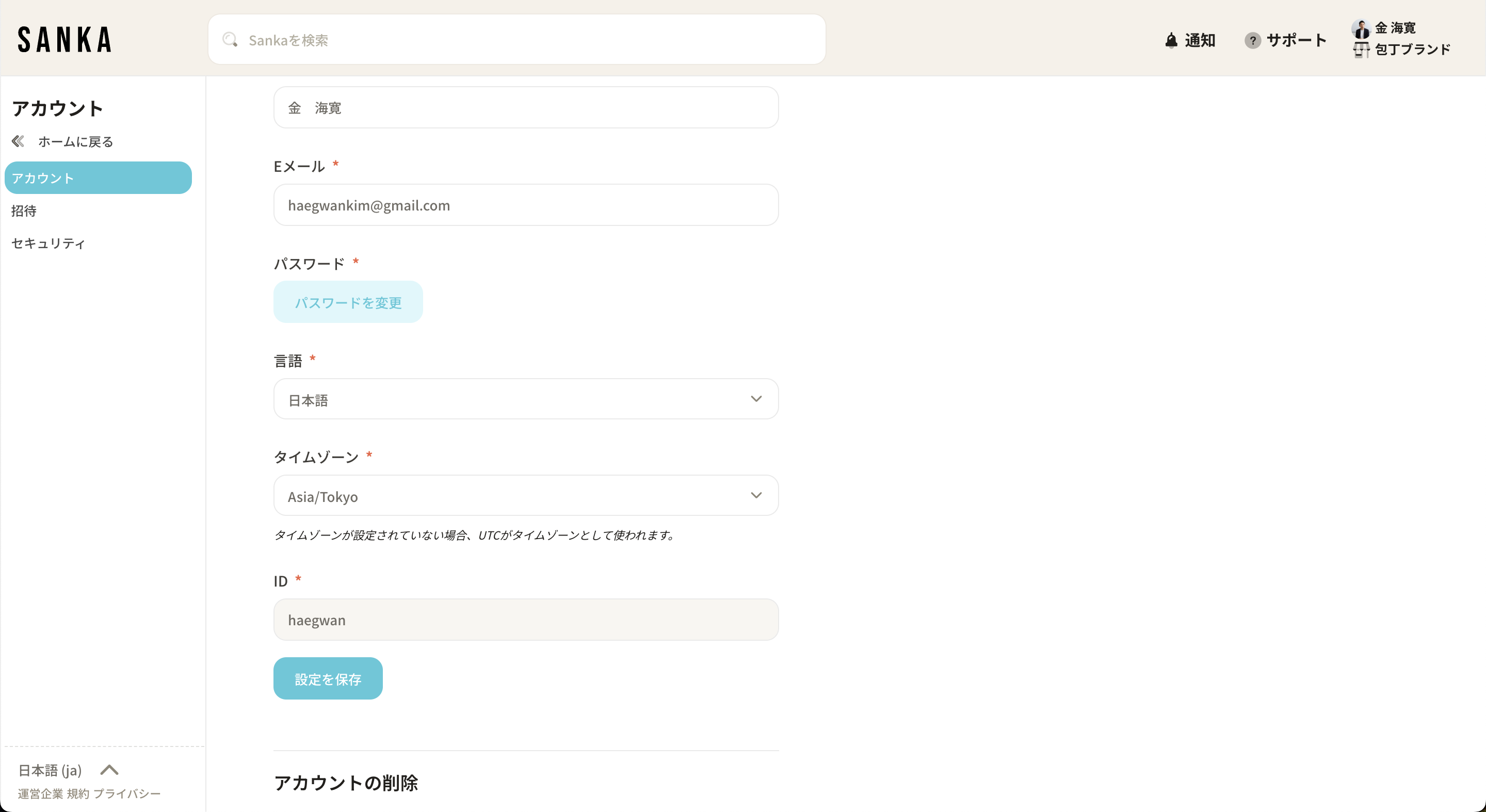
As Sanka is used globally, you can configure the timezone for each user.
The times shown in tables will be displayed based on the user's configured timezone (UTC is used by default if not set).
You can change this from your account settings if needed.
Previous
Create a workspace
Next
How to Check and Download Workspace Logs
💬
Ask Sanka
Sanka AI
Sanka extensions overview, pricing, and use-case pointers
×
Hi! Ask anything about Sanka features, pricing, setups, and how teams use them.
Pricing
Use cases
Integrations
Case studies
