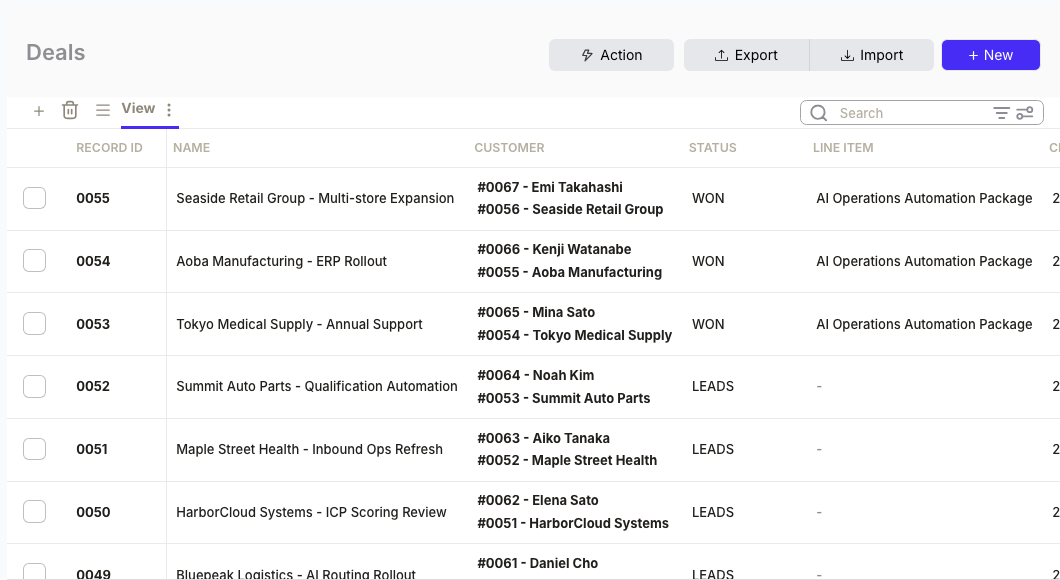
A closed deal sits in your CRM for days before finance creates an invoice. The rep forgot to notify them. Or finance missed the Slack message. According to Nidish's 2026 RevOps audit, the integration between sales and finance is where the most "expensive" leakage occurs—billing errors, missed renewals, and simple timing delays that compound into cash flow problems.
If you just need the workflow without writing code, see the operator guide.

What you'll build
- Query deals that closed but have no linked invoice
- Pull contact and billing details for each deal
- Create an invoice with correct line items
- Mark the deal as invoiced to prevent duplicates
Total setup time: 5 min with MCP, 15 min with the SDK.
Option A: Run it from Codex, Cursor, or Claude with MCP (5 min)
For developers who want AI to handle the orchestration. You describe the logic; the agent executes it.
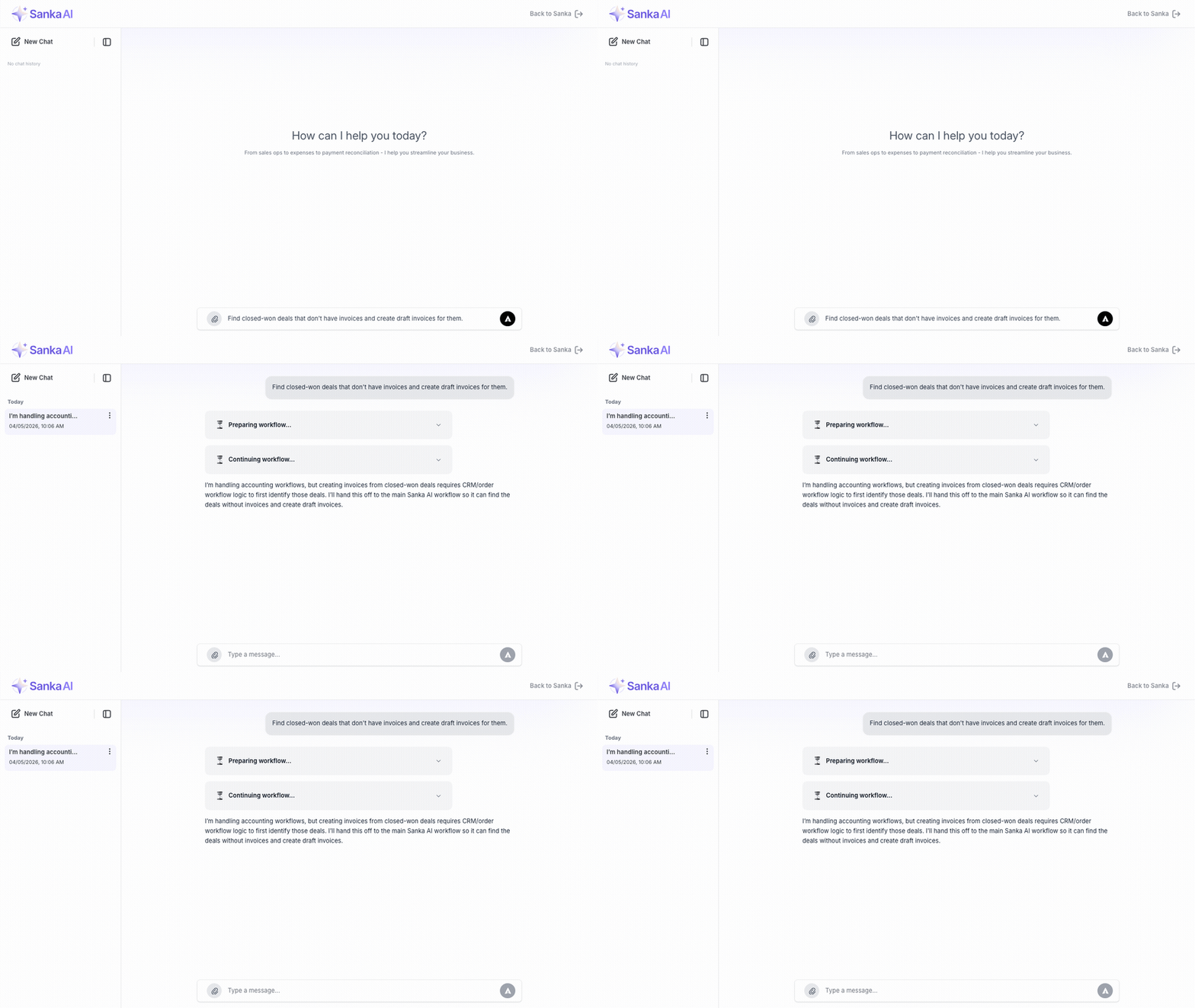
Here's what it looks like in action:
1. Connect Sanka MCP
Add this to your MCP config:
{
  "mcpServers": {
    "sanka": {
      "command": "npx",
      "args": [
        "-y",
        "mcp-remote",
        "https://mcp.sanka.com/mcp",
        "--resource",
        "https://mcp.sanka.com/mcp"
      ]
    }
  }
}
2. Describe what you want
Find all deals with status "closed-won" that were updated in the last 7 days.
For each deal that doesn't have a linked invoice:
1. Get the associated contact's billing address
2. Create an invoice with the deal amount as a single line item
3. Link the invoice to the deal
4. Update the deal to mark it as invoiced

Show me what you're about to create before executing.
3. See the results
The agent will:
- List deals missing invoices
- Show the invoice payload for each
- Wait for your confirmation
- Execute the creates and updates
- Report success or errors
You stay in control. The agent handles the API calls.
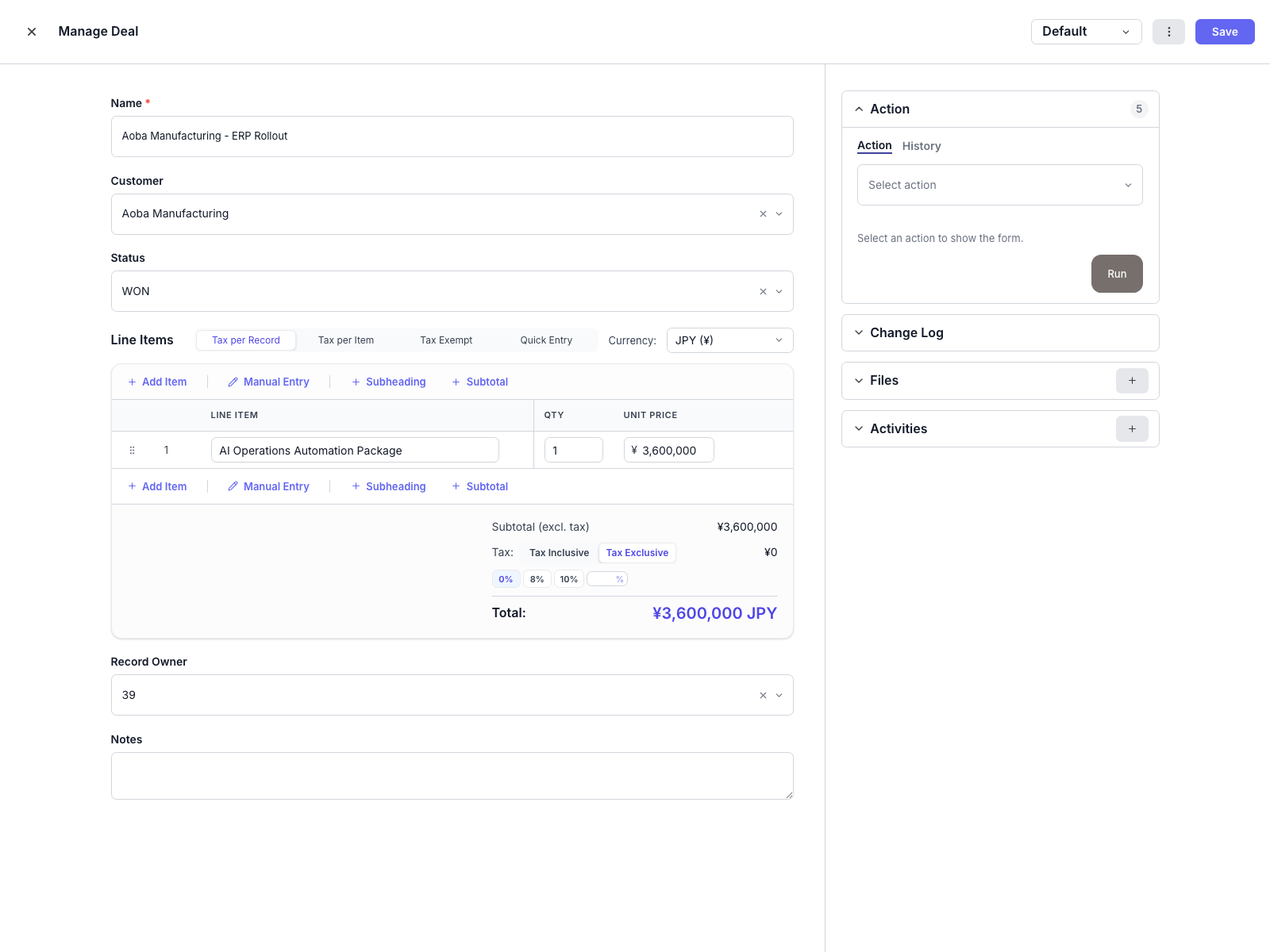
Option B: Build it with the SDK (15 min)
For production scripts, scheduled jobs, or when you need version control.
1. Install the SDK
pip install sanka-sdk
2. Build it
from sanka_sdk import Sanka
from datetime import datetime, timedelta

client = Sanka(api_key="sk_live_...")

# Find closed deals from the last 7 days
seven_days_ago = (datetime.now() - timedelta(days=7)).isoformat()
deals = client.deals.list(
    filters={
        "status": "closed-won",
        "updated_at": {"gte": seven_days_ago}
    }
)

for deal in deals.data:
    # Check if invoice already exists
    existing_invoices = client.invoices.list(
        filters={"deal_id": deal.id}
    )

    if existing_invoices.data:
        print(f"Deal {deal.id} already has invoice, skipping")
        continue

    # Get contact for billing info
    contact = client.contacts.get(deal.contact_id)

    # Create invoice
    invoice = client.invoices.create({
        "contact_id": contact.id,
        "deal_id": deal.id,
        "due_date": (datetime.now() + timedelta(days=30)).isoformat(),
        "line_items": [
            {
                "description": deal.name,
                "quantity": 1,
                "unit_price": deal.amount
            }
        ],
        "billing_address": contact.billing_address,
        "status": "draft"
    })

    # Update deal to mark as invoiced
    client.deals.update(deal.id, {
        "custom_fields": {
            "invoiced": True,
            "invoice_id": invoice.id
        }
    })

    print(f"Created invoice {invoice.id} for deal {deal.name}")
3. Automate it
Run this as a daily cron job or trigger it via webhook when a deal status changes:
# Webhook handler example (Flask)
@app.route("/webhooks/deal-closed", methods=["POST"])
def handle_deal_closed():
    payload = request.json
    deal_id = payload["deal_id"]

    # Same logic as above, but for a single deal
    deal = client.deals.get(deal_id)
    if deal.status == "closed-won":
        create_invoice_for_deal(deal)

    return {"status": "ok"}
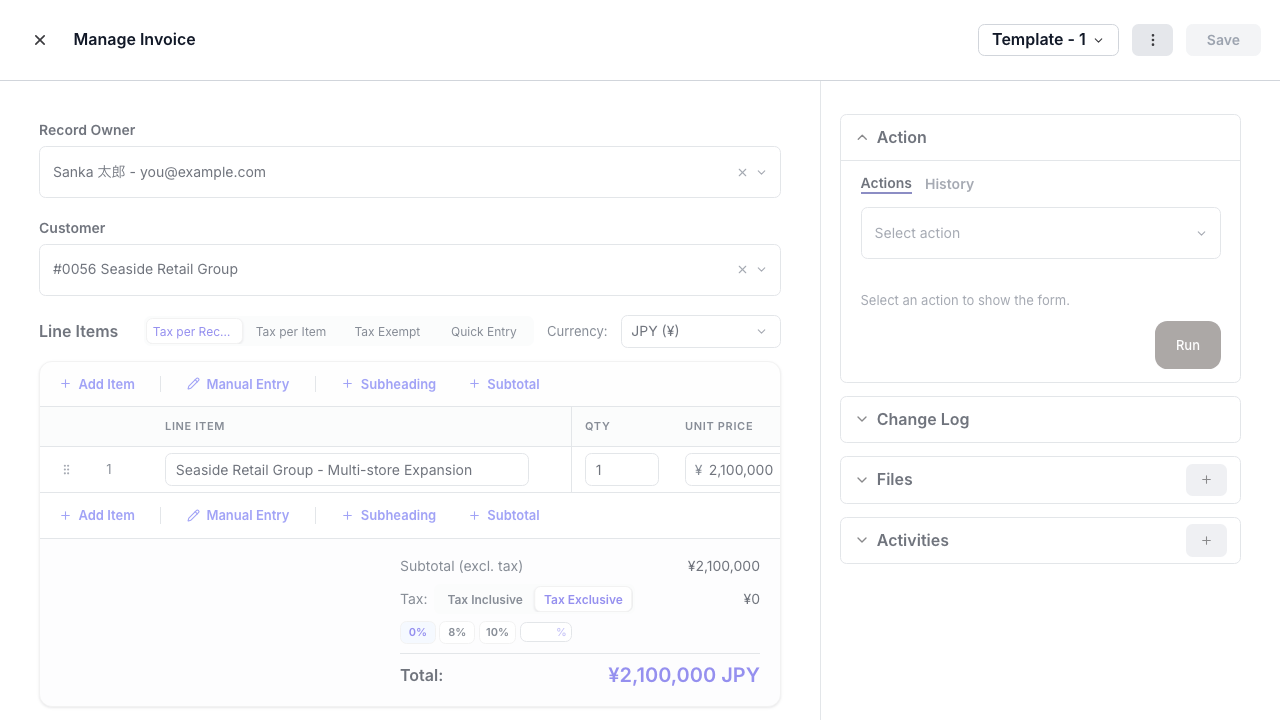
Example engineering scorecard
Use these KPIs as a rollout template. The 4.2-day handoff baseline comes from Scratchpad's 2023 RevOps Trends Report; replace the other baseline values with your team's actual pre-automation numbers.
| Metric | Before | After |
|---|---|---|
| Average invoice delay | 4.2 days | Same-day |
| Manual invoice creation | 100% | 0% (auto-draft) |
| Duplicate invoice errors | 3/month | 0 |
Working remotely from Tokyo while supporting teams across regions has made timezone-safe automation feel less like a convenience and more like a requirement. When a deal closes at 5 PM in New York, the invoice shouldn't wait until someone in Tokyo wakes up to create it.
Next steps
- Operator guide — for teams who want the no-code path
- MCP documentation — full MCP setup and tools reference
- SDK reference — complete SDK method documentation
- Order-to-Cash solution — the broader automation workflow
Start by connecting MCP and asking: "Which closed deals are missing invoices?"