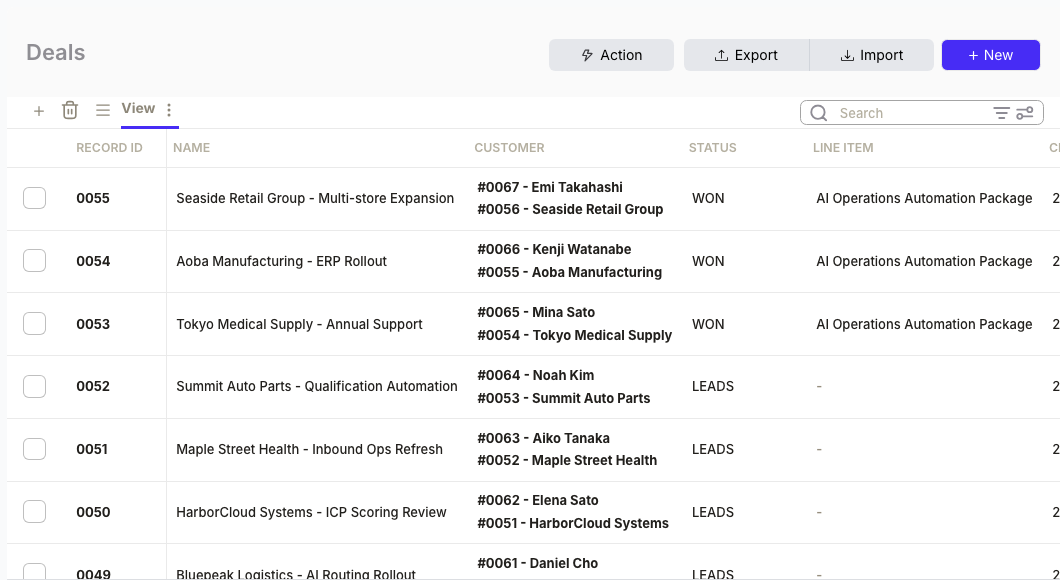
A deal closes at 4:47 PM on Friday. By Monday, finance still hasn't seen it. The invoice goes out late, cash collection slips, and the rep has already moved on to the next quarter. According to a 2026 RevOps audit by Nidish, the sales-to-finance handoff is where the most "expensive" revenue leakage occurs—often through billing errors, missed renewals, or simple timing delays.
If your technical team wants to build this with MCP or the API, see the developer implementation guide.

What you'll do
- Identify closed-won deals that need invoices
- Ask Sanka to generate the invoice with correct line items
- Review and approve in Sanka
- Send the invoice—same day the deal closes
Total setup time: 0 min with a Custom GPT, 5 min with Claude.
Option A: Add Sanka to ChatGPT with a Custom GPT (0 min)
No API key. No config file. No code. Just open the GPT and ask.
Here's what it looks like in action:
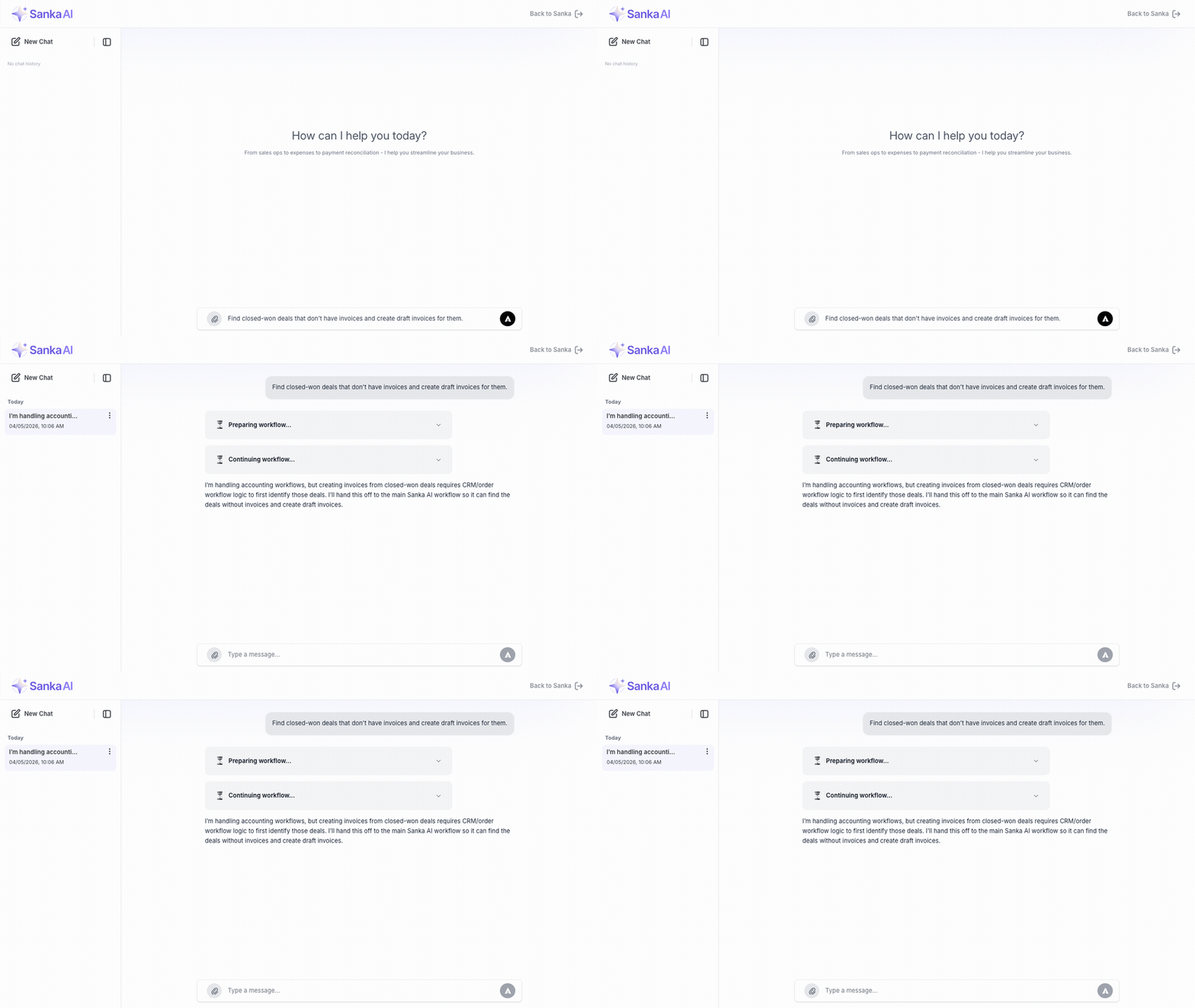
1. Open the GPT
Go to ChatGPT and add the Sanka Custom GPT from the GPT store, or use the link your admin shared. Once connected, Sanka can read your deals, contacts, and invoices.
2. Ask for the workflow
"Find all deals that closed in the last 7 days and don't have an invoice yet. For each one, create a draft invoice using the deal amount and the contact's billing info."
3. Review the results
The assistant will:
- List deals missing invoices
- Show you the invoice details it will create
- Ask for confirmation before creating
You review the line items, adjust if needed, then confirm. The invoice appears in Sanka ready to send.
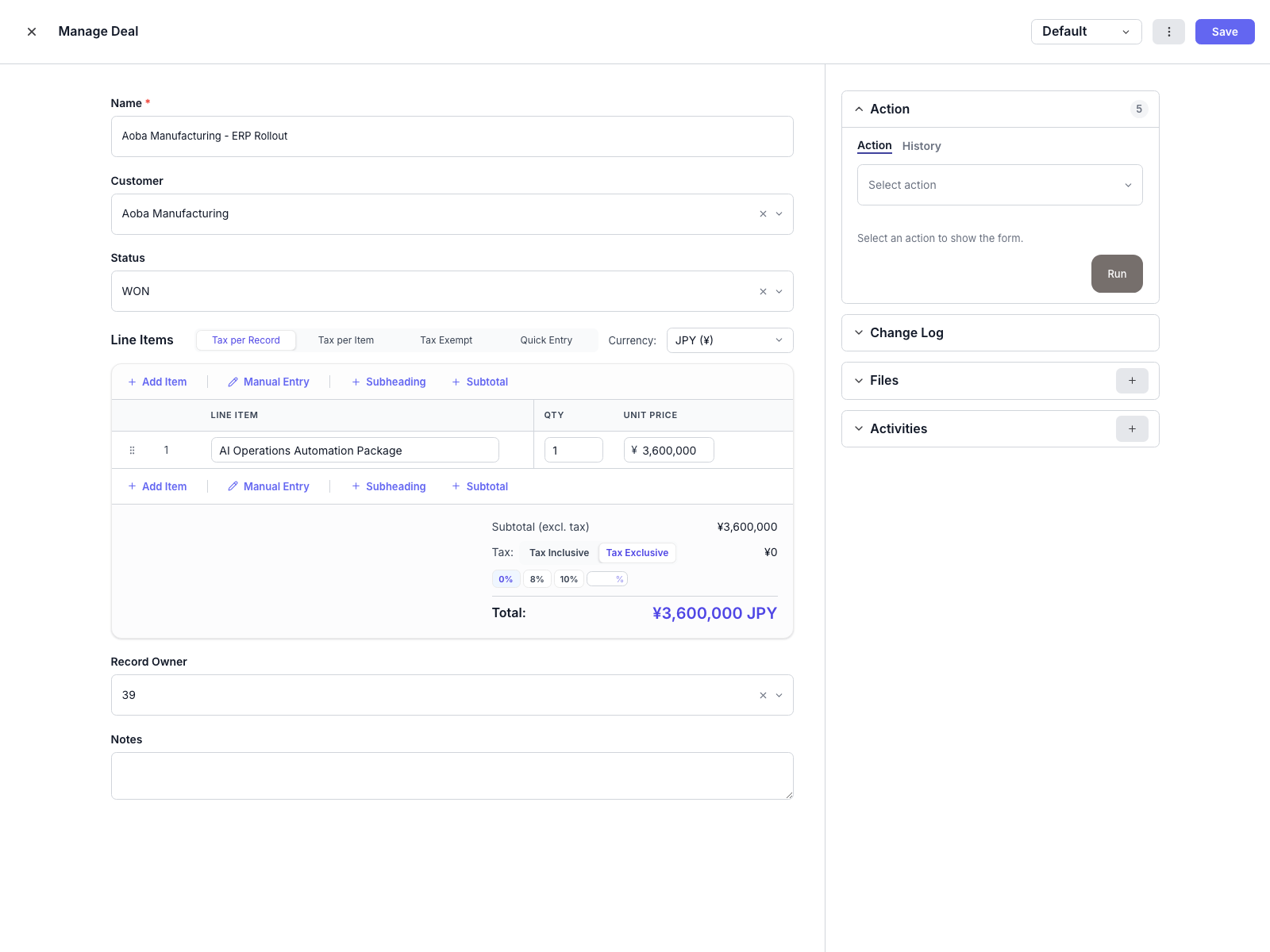
Option B: Use Sanka from Claude (5 min)
If you use Claude with the Sanka connector, the same workflow works there.
1. Get connected
See Getting Started for Claude connector setup.
2. Ask for the workflow
"Show me closed-won deals from this month that don't have invoices. Create invoices for any that are missing."
3. Review the results
Claude surfaces the gaps, creates the invoices, and you confirm before sending.
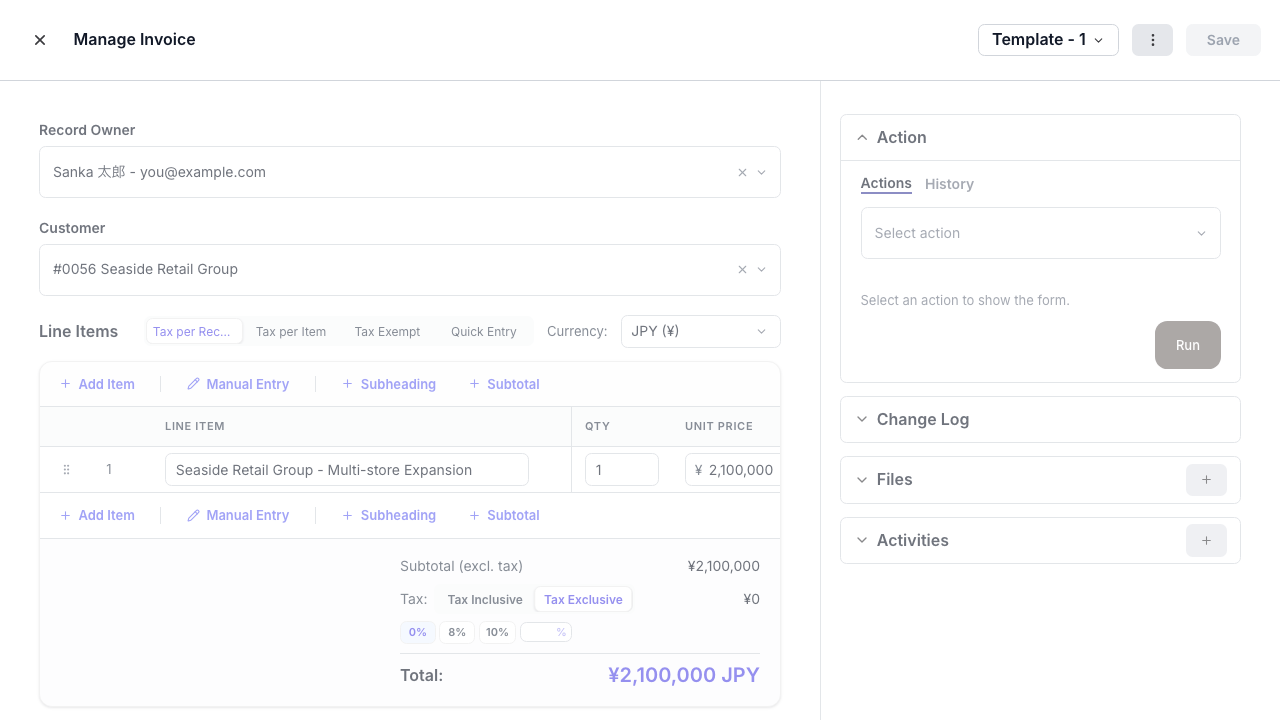
Why this matters
In consulting and SaaS work across more than 1,000 companies, I have repeatedly seen handoff delays come from unclear ownership rather than missing dashboards. Finance waits for sales to "send over the details." Sales assumes CRM data is enough. Neither side checks until the customer asks where their invoice is.
Automating the handoff removes that ambiguity. The system creates the invoice the moment the deal closes. Someone still reviews it—but the default shifts from "waiting for someone to act" to "review what the system already prepared."
Example scorecard for your rollout
Use this scorecard to track your own rollout. The 4.2-day baseline comes from Scratchpad's 2023 RevOps Trends Report; replace the other baseline values with your team's actual before-state.
| Metric | Before | After |
|---|---|---|
| Average invoice delay | 4.2 days | Same-day |
| Missed billing items | 8% of deals | < 1% |
| Finance follow-ups to sales | 12/week | 2/week |
Next steps
- Technical implementation guide — build this with MCP or the SDK
- Order-to-Cash automation — broader lead-to-cash workflow
- Invoice product page — Sanka invoicing features
Start with the Custom GPT and ask: "Which closed deals don't have invoices yet?"