Build an AI Lead Qualification Agent
Create an AI lead qualification agent that enriches inbound leads, scores ICP fit, and routes the right prospects faster. Use ChatGPT/Codex, Claude, Cursor, MCP, or the Python SDK.
Last updated: June 21, 2026
Inbound lead queues usually look manageable until you measure how much time disappears before anyone acts. In the 2018 State of Sales Development report, SDRs said they spend 19.0 minutes on average researching an account before outreach, and HubSpot's 2024 Sales Trends Report says reps spend only about two hours a day actually selling. When qualification depends on manual research, good leads wait too long and weak leads still absorb rep time. (InsideSales, 2018, HubSpot, 2024)
An AI lead qualification agent fixes that handoff. It can capture the lead, enrich the company, score ICP fit, open the right deal, and route the record before the next rep handoff gets delayed. Across consulting and software work with companies from SMBs to global teams, I have seen this pattern repeatedly: the first automation win is rarely a better dashboard. It is usually faster triage on the leads that deserve action now.
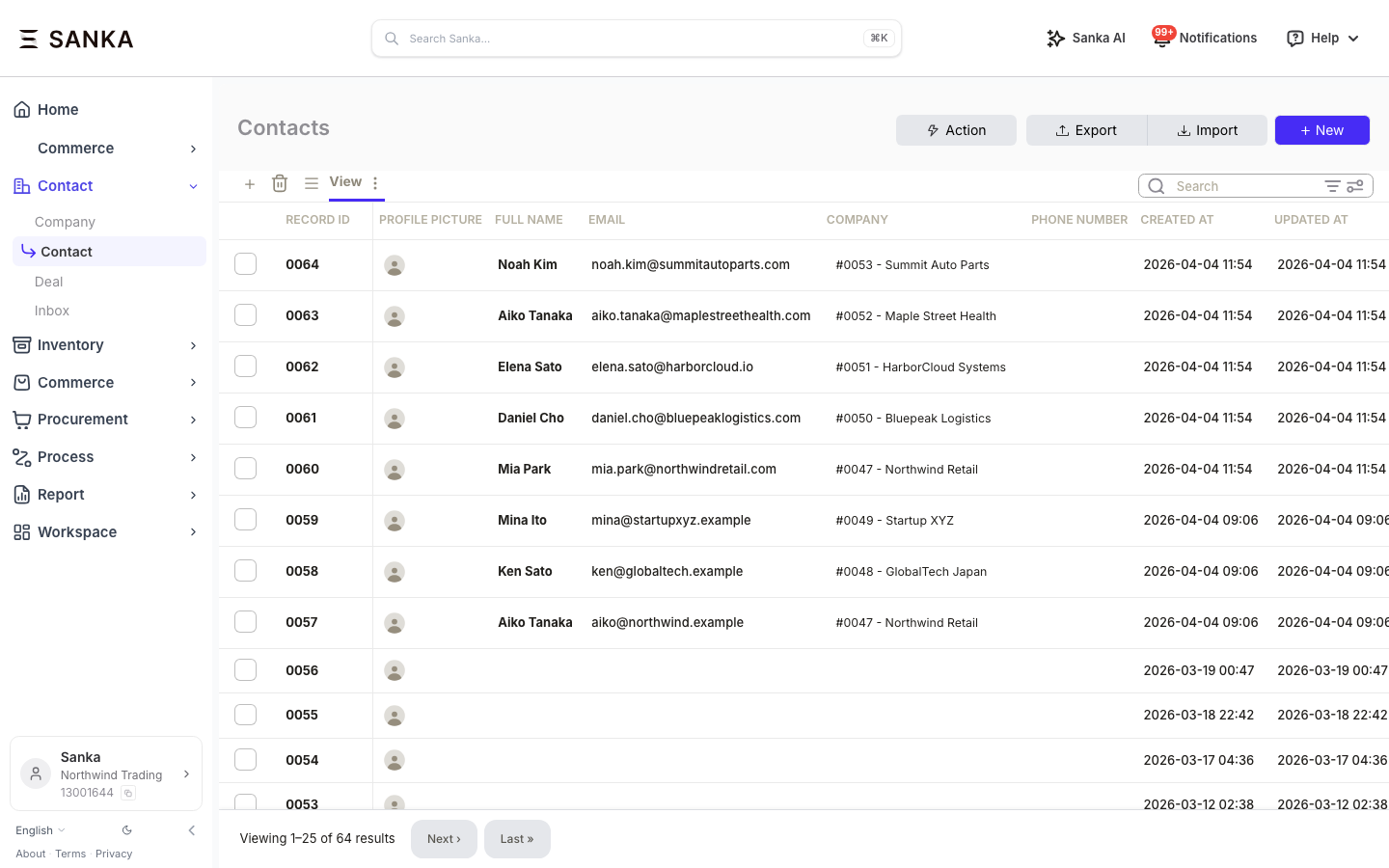
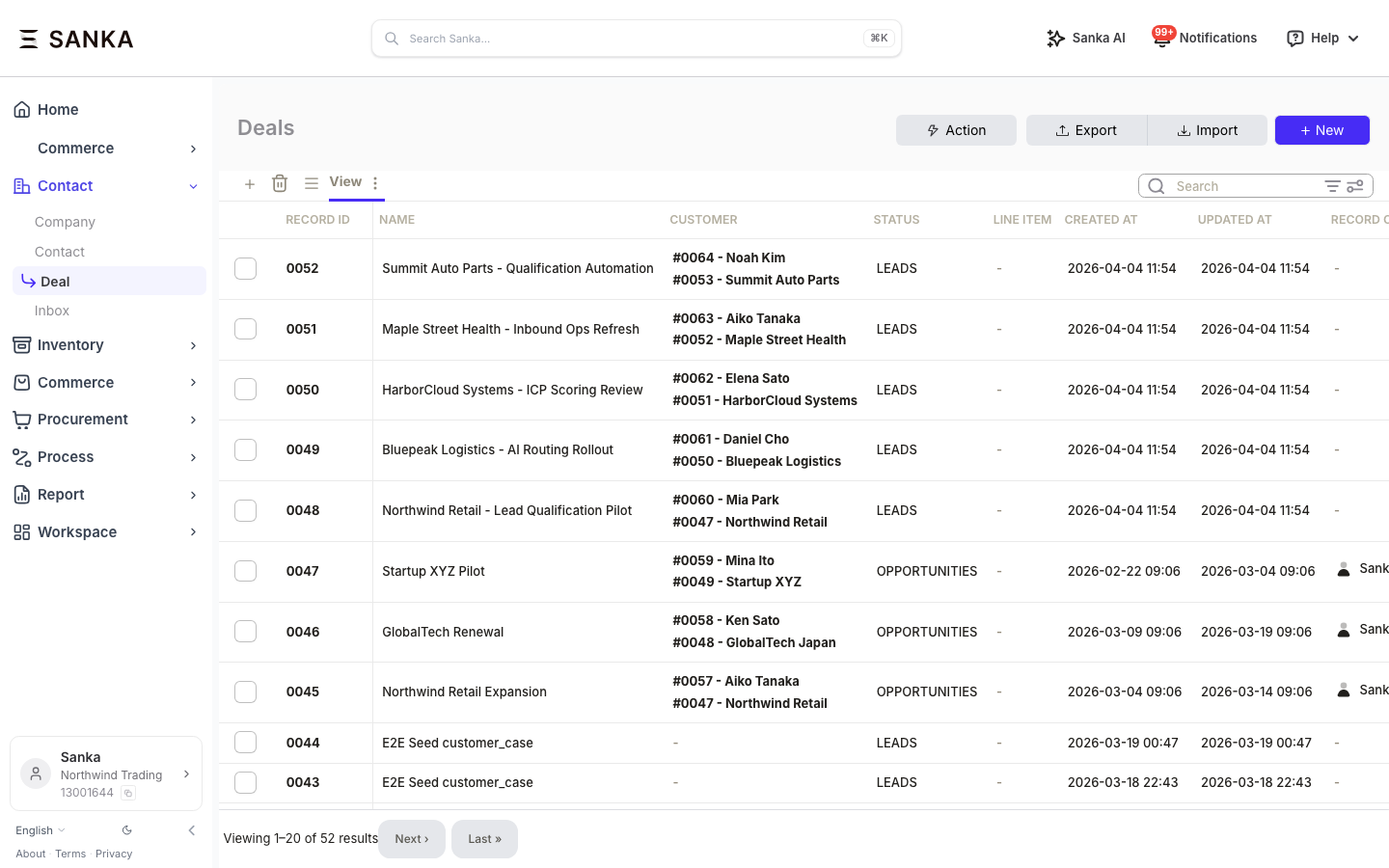 The finished flow does five things:
 This option is best when you want to test the workflow with live records before committing to code.
What you'll build
This article walks through a lead qualification workflow that turns a new inbound lead into an enriched, scored, and routed pipeline record.
The finished flow does five things:
- Capture a new inbound lead from a form, inbox, or manual CRM entry.
- Enrich the company record with firmographic context.
- Score the lead against your ICP and routing rules.
- Create a deal only when the score and intent justify rep time.
- Notify the next owner with enough context to act immediately.
Option A: Use ChatGPT/Codex, Claude, or Cursor with Sanka tools (0 min)
This is the fastest path if you want working qualification logic without writing setup code in the article itself.1. Finish the connection once
Use the getting started guide to connect Sanka from your AI assistant or plugin setup. That onboarding flow is the same across tutorials, so this article focuses on the lead qualification prompt itself rather than repeating the install steps.2. Paste a qualification request
Use a prompt like this:
A new inbound lead came from mia.park@northwindretail.com. Create the contact, enrich the company, score it against our ICP, create a deal if the score is strong, and tell me why the lead should or should not be routed to an SDR. ICP: B2B company, 50-500 employees, North America or Japan, active buying intent, and a current process problem around lead response.
3. Review the output
The assistant should return:- The created contact and company records
- The enrichment summary
- The ICP score and reasoning
- Whether a deal was created
- The recommended next action for the rep
This option is best when you want to test the workflow with live records before committing to code.
Option B: Build it from your IDE with MCP (5 min)
This option fits teams that want repeatable prompts inside Cursor, Claude Code, or another MCP client.1. Connect Sanka through MCP
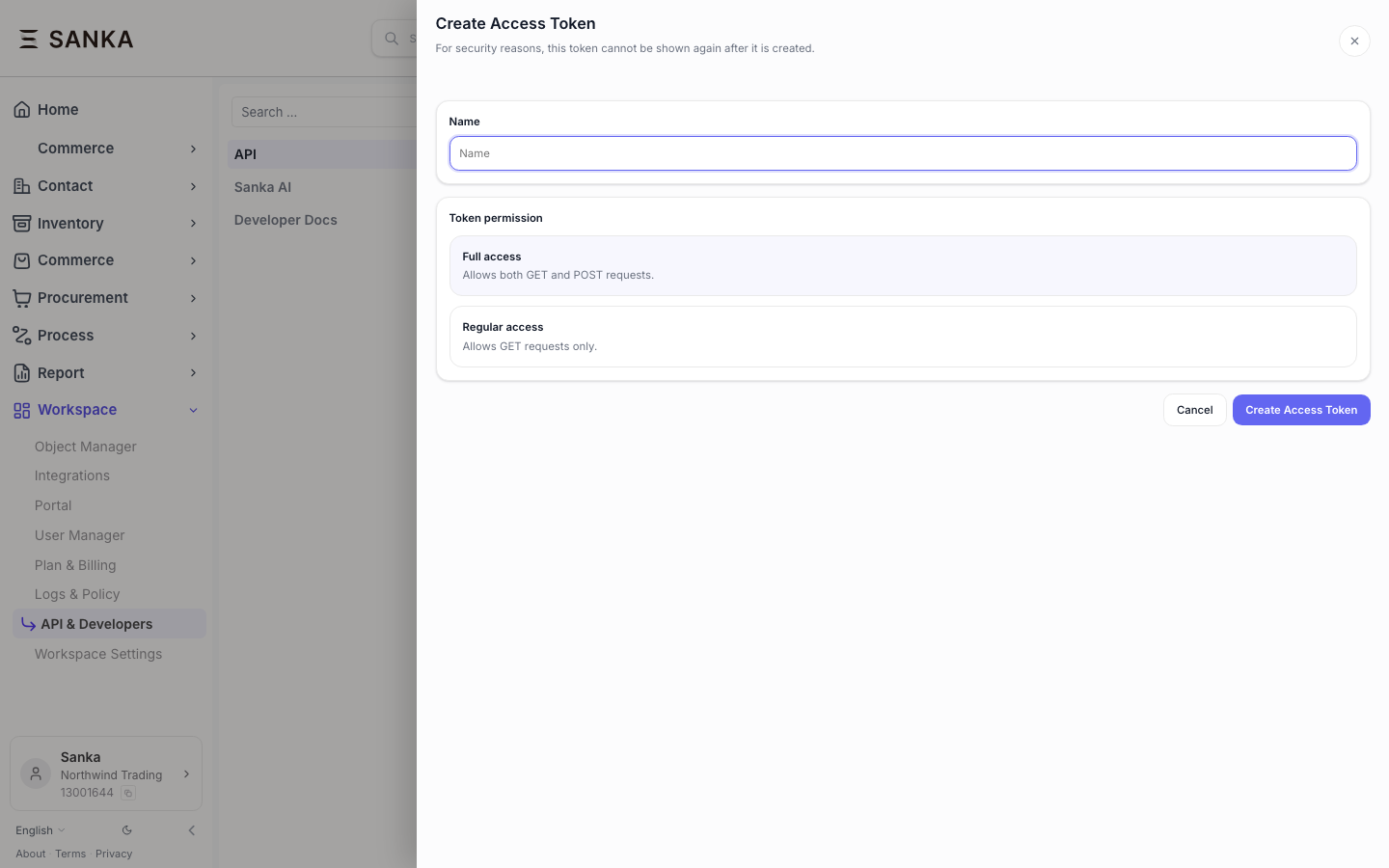
Use the getting started guide for the connection flow, then open the developer quickstart to generate an API key and confirm the MCP endpoint details.
2. Ask the IDE agent to build the flow
Give it a prompt like this:Text
Build a lead qualification workflow in Sanka.

Requirements:
1. Accept a lead email address as input.
2. Create or update the contact record.
3. Enrich the company based on the email domain.
4. Score the lead using this ICP:
   - Industry: B2B SaaS, logistics, healthcare, or business services
   - Employee count: 50-500
   - Region: North America or Japan
   - Buying signal: active evaluation or process change
5. If score >= 70, create a high-priority deal.
6. If score is 50-69, create a standard-priority deal.
7. If score < 50, keep the contact but do not open a deal.
8. Return the score, reasons, and next action.
3. Validate the result structure
The returned output should be easy for sales and RevOps to inspect:| Field | What to check |
|---|---|
| Company enrichment | Industry, size, location, and buying context are populated. |
| ICP score | The score includes a short explanation, not only a number. |
| Deal creation | A deal is created only for qualified leads, with the right priority. |
| Routing note | The rep can see why this lead should be worked now. |
Option C: Build it with the Python SDK (15 min)
Use this when you want the qualification logic under version control, behind CI, or inside a broader inbound pipeline.1. Install the SDK
Python
pip install sanka-sdk
2. Implement the qualification function
Python
from sanka import Sanka

client = Sanka(api_key="sk_...")

def qualify_lead(email: str, icp_criteria: dict) -> dict:
    domain = email.split("@")[1]

    contact = client.contacts.create({
        "email": email,
        "source": "inbound_form"
    })

    enrichment = client.ai.enrich({
        "type": "company",
        "domain": domain
    })

    company_data = enrichment.get("data", {})

    score_result = client.ai.score({
        "type": "company",
        "record_id": contact.get("company_id"),
        "criteria": icp_criteria
    })

    score = score_result.get("score", 0)
    reasons = score_result.get("reasons", [])

    result = {
        "contact_id": contact.get("id"),
        "email": email,
        "company": company_data.get("name"),
        "enrichment": company_data,
        "score": score,
        "reasons": reasons,
    }

    if score >= 70:
        deal = client.deals.create({
            "name": f"{company_data.get('name', domain)} - Inbound Evaluation",
            "contact_id": contact.get("id"),
            "stage": "qualification",
            "priority": "high",
            "source": "inbound_form",
            "score": score,
        })
        result["deal_id"] = deal.get("id")
        result["action"] = "deal_created_high_priority"
    elif score >= 50:
        deal = client.deals.create({
            "name": f"{company_data.get('name', domain)} - Nurture Review",
            "contact_id": contact.get("id"),
            "stage": "qualification",
            "priority": "medium",
            "source": "inbound_form",
            "score": score,
        })
        result["deal_id"] = deal.get("id")
        result["action"] = "deal_created_medium_priority"
    else:
        result["action"] = "contact_saved_no_deal"

    return result
3. Add a webhook or form handoff
Connect your inbound form, chatbot, or enrichment trigger to the qualification function so the lead is processed automatically.Python
from flask import Flask, jsonify, request

app = Flask(__name__)

@app.route("/webhook/lead", methods=["POST"])
def handle_lead():
    data = request.json or {}
    email = data.get("email")

    if not email:
        return jsonify({"error": "email required"}), 400

    icp = {
        "industries": ["B2B SaaS", "Technology", "Healthcare", "Logistics"],
        "employee_range": [50, 500],
        "regions": ["North America", "Japan"],
        "min_funding_stage": "Series A",
    }

    result = qualify_lead(email, icp)
    return jsonify(result)
Recommended scoring logic
If you are designing the score from scratch, keep the first version simple and explicit.| Signal | Example rule | Weight |
|---|---|---|
| Company fit | Industry and employee count match the ICP band. | 35% |
| Region fit | Company operates in the target market. | 15% |
| Process urgency | The lead mentions response delays, routing gaps, or manual triage pain. | 25% |
| Buying readiness | Current evaluation, budget timing, or active implementation signal. | 25% |
Expected impact
The goal is not just to score more leads. The goal is to protect rep time and improve speed on the leads that deserve follow-up.| Metric | Before automation | After automation |
|---|---|---|
| Time to first qualification pass | Hours or next business day | Minutes |
| Manual research per lead | 10-20 minutes | Near zero for first-pass triage |
| Rep context at handoff | Inconsistent notes | Structured score, reasons, and next action |
| Low-fit lead leakage | High | Reduced by explicit routing rules |
Next steps
- Getting started guide for assistant, plugin, and workspace setup
- Developer quickstart to create your API key and confirm auth
- Data Scoring API to customize the scoring criteria
- Data Enrichment API to review available company fields
- Revenue Operations guide for the wider process design
