Shopify Integration
How to Integrate with Shopify
Summary
By integrating Shopify and Sanka, you can automate and streamline inventory management by synchronizing Shopify store products, tracking inventory levels, and automating workflows. This guide explains the process of connecting your Shopify store to Sanka to enable seamless inventory management.Step-by-Step Guide
Log in to Sanka
1: Access Sanka and log in using your credentials. 2: Ensure that you are in the appropriate workspace to connect your Shopify store.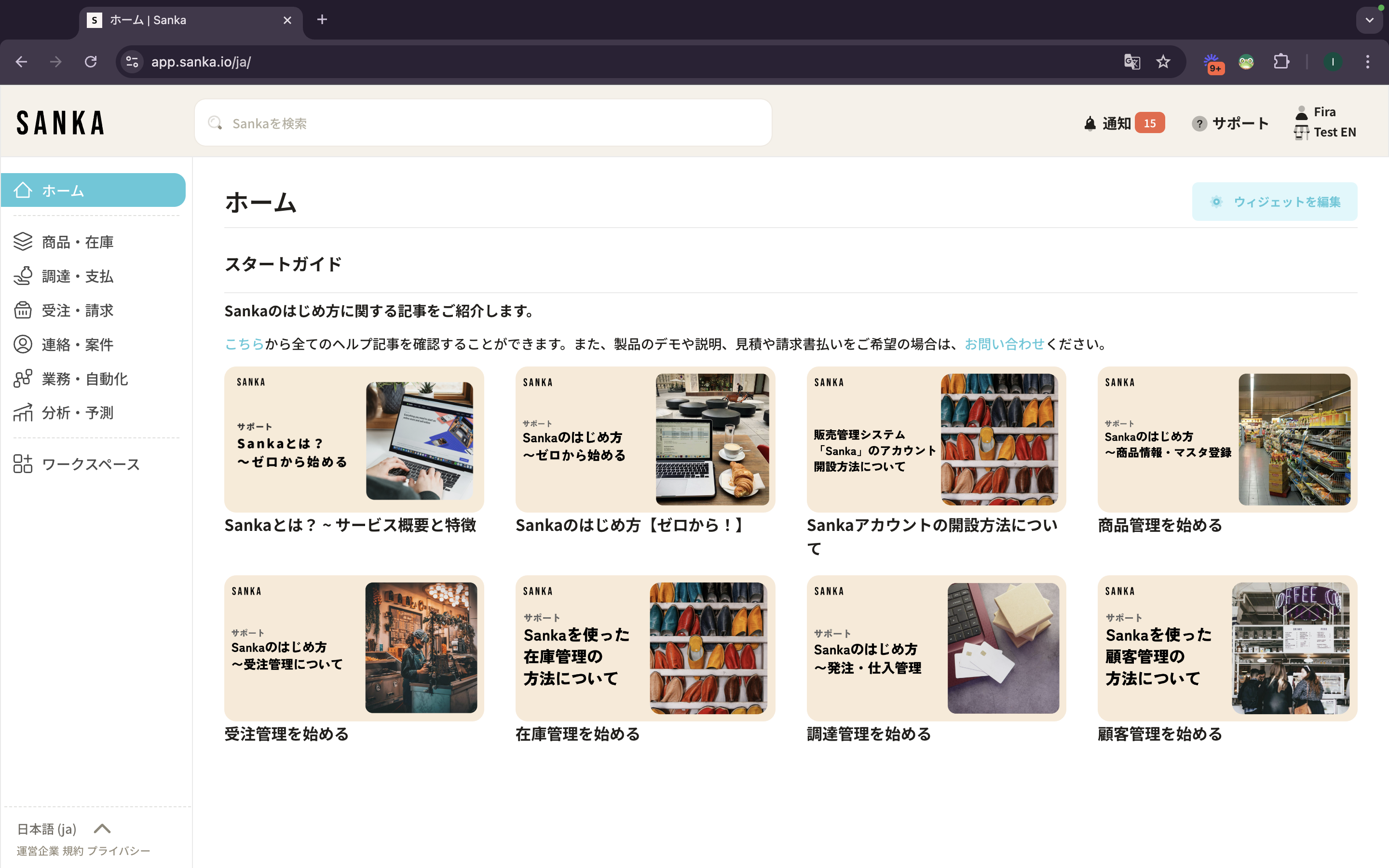
Navigate to the Integration Section
1: After logging in, click on the "Workspace" tab in the menu on the left side of the dashboard. Then, click on "Integration."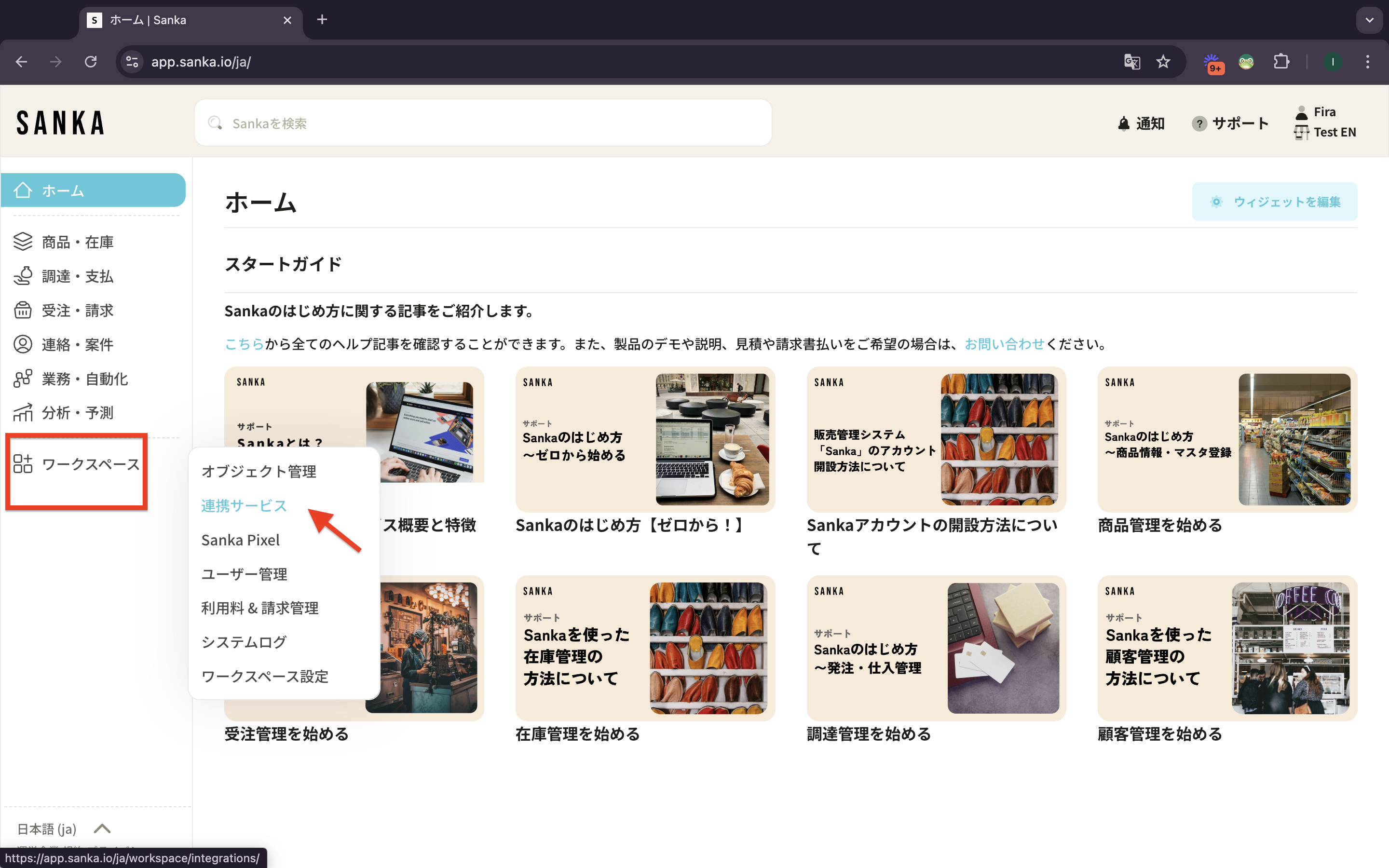 2: If you have not yet connected an integration, a page like this will appear, prompting you to create your first integration. Click "Create Integration" to connect.
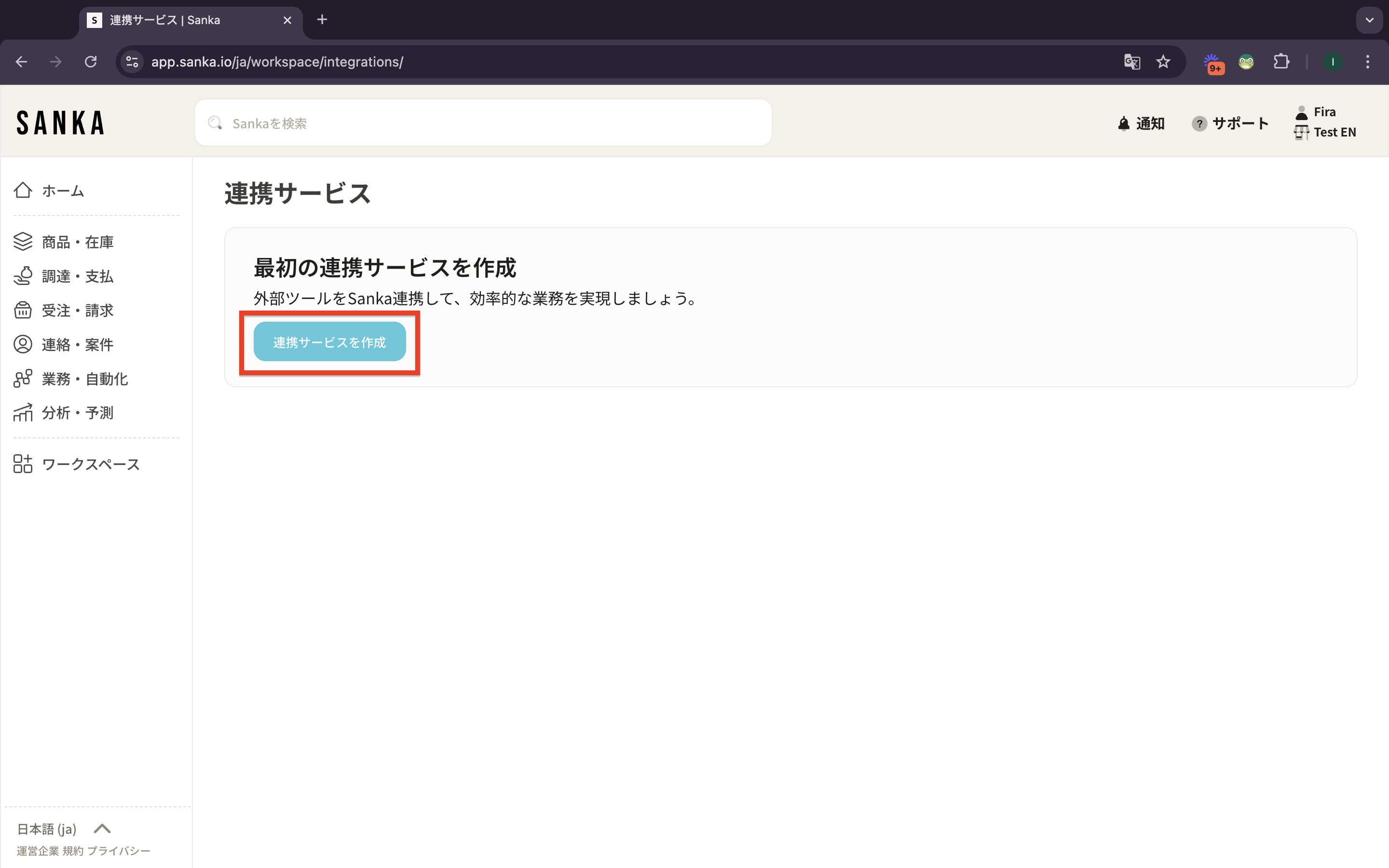 3: The Integration Drawer will appear. This drawer will display all the third-party applications that can be connected to Sanka.
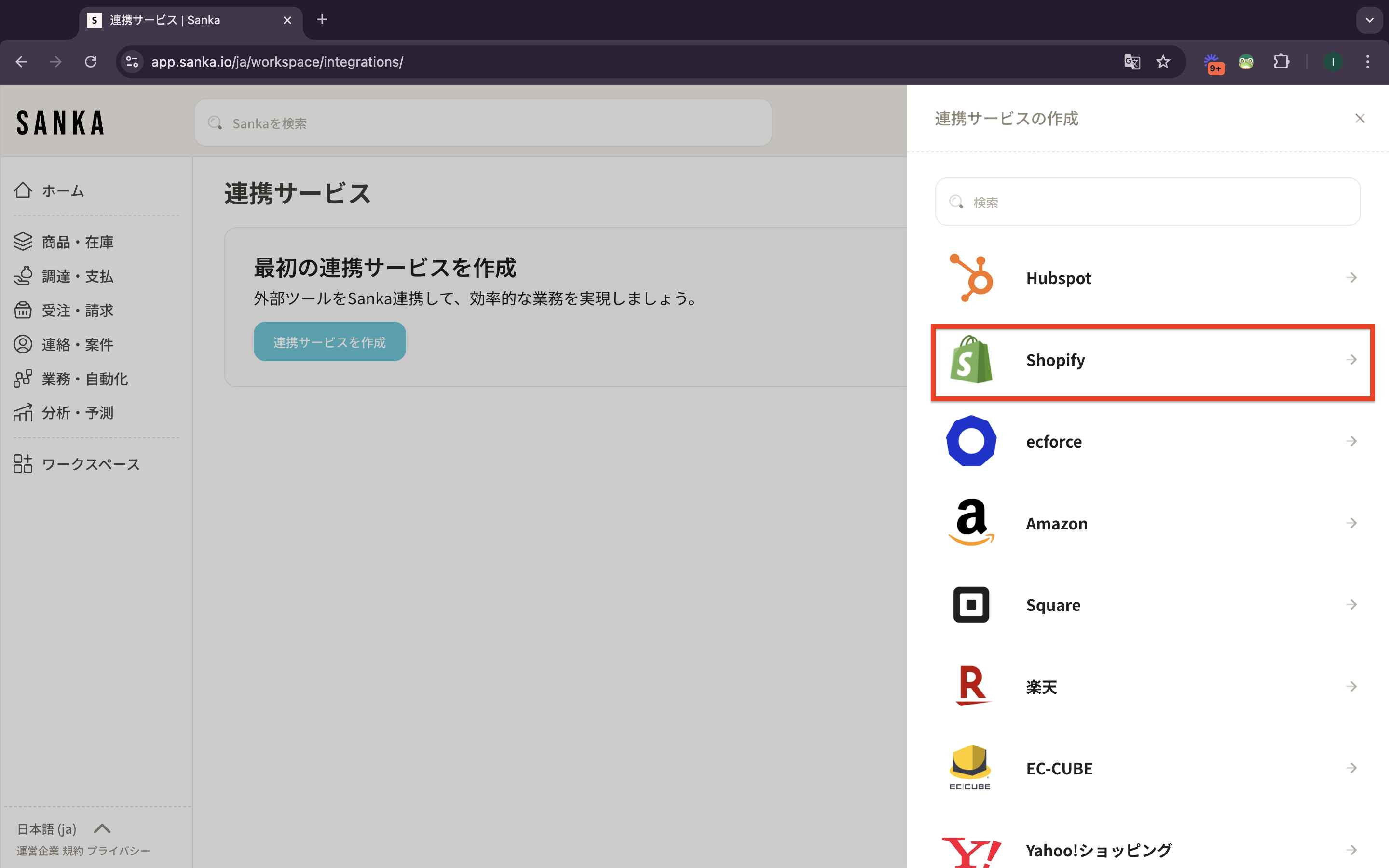
4: Scroll through the list of available integrations or use the search bar to enter "Shopify." Click on "Shopify" to initiate the integration process. Click on "Shopify."
3: The Integration Drawer will appear. This drawer will display all the third-party applications that can be connected to Sanka.
4: Scroll through the list of available integrations or use the search bar to enter "Shopify." Click on "Shopify" to initiate the integration process. Click on "Shopify."
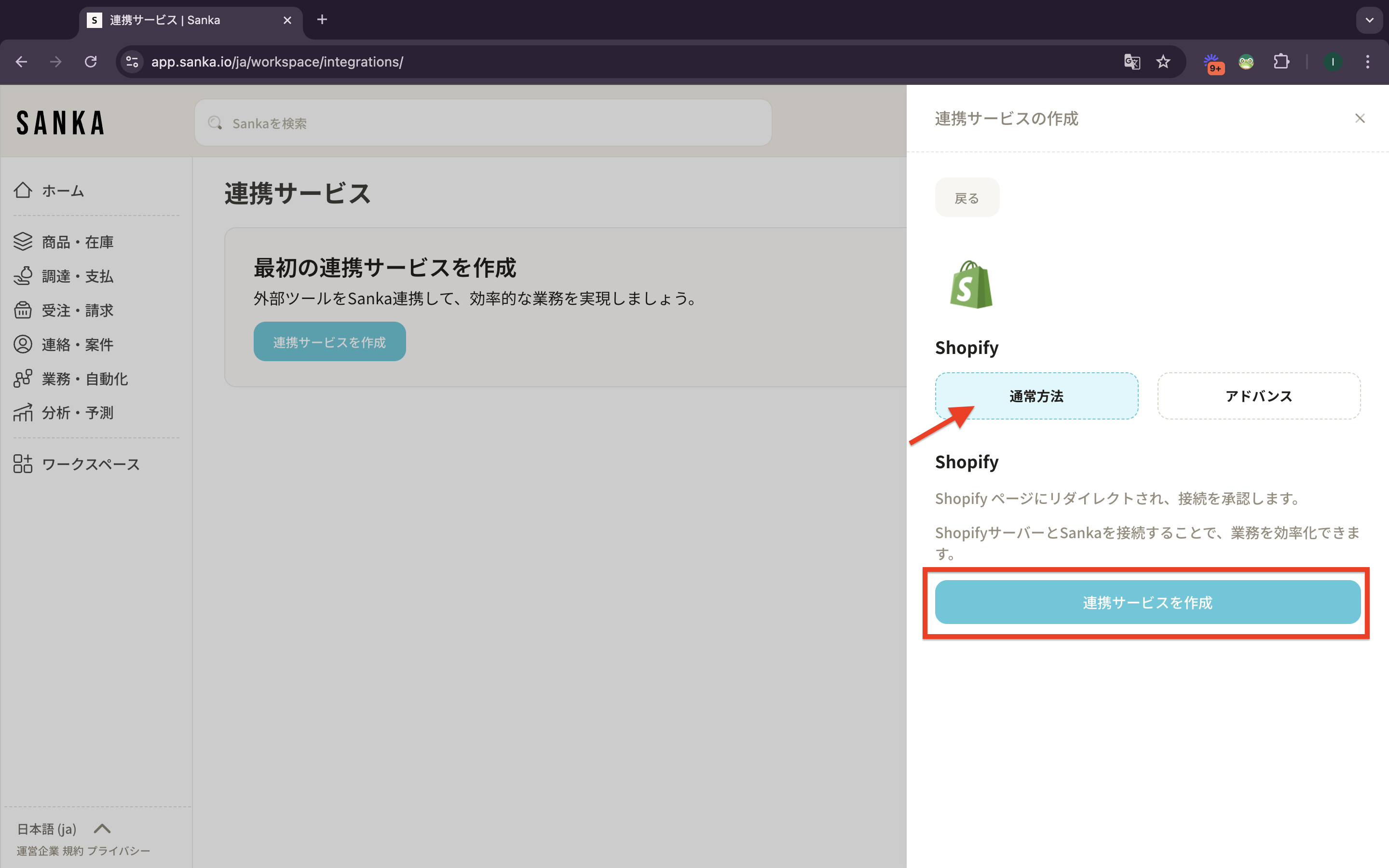
 5: Select "Standard" and click "Create Integration."
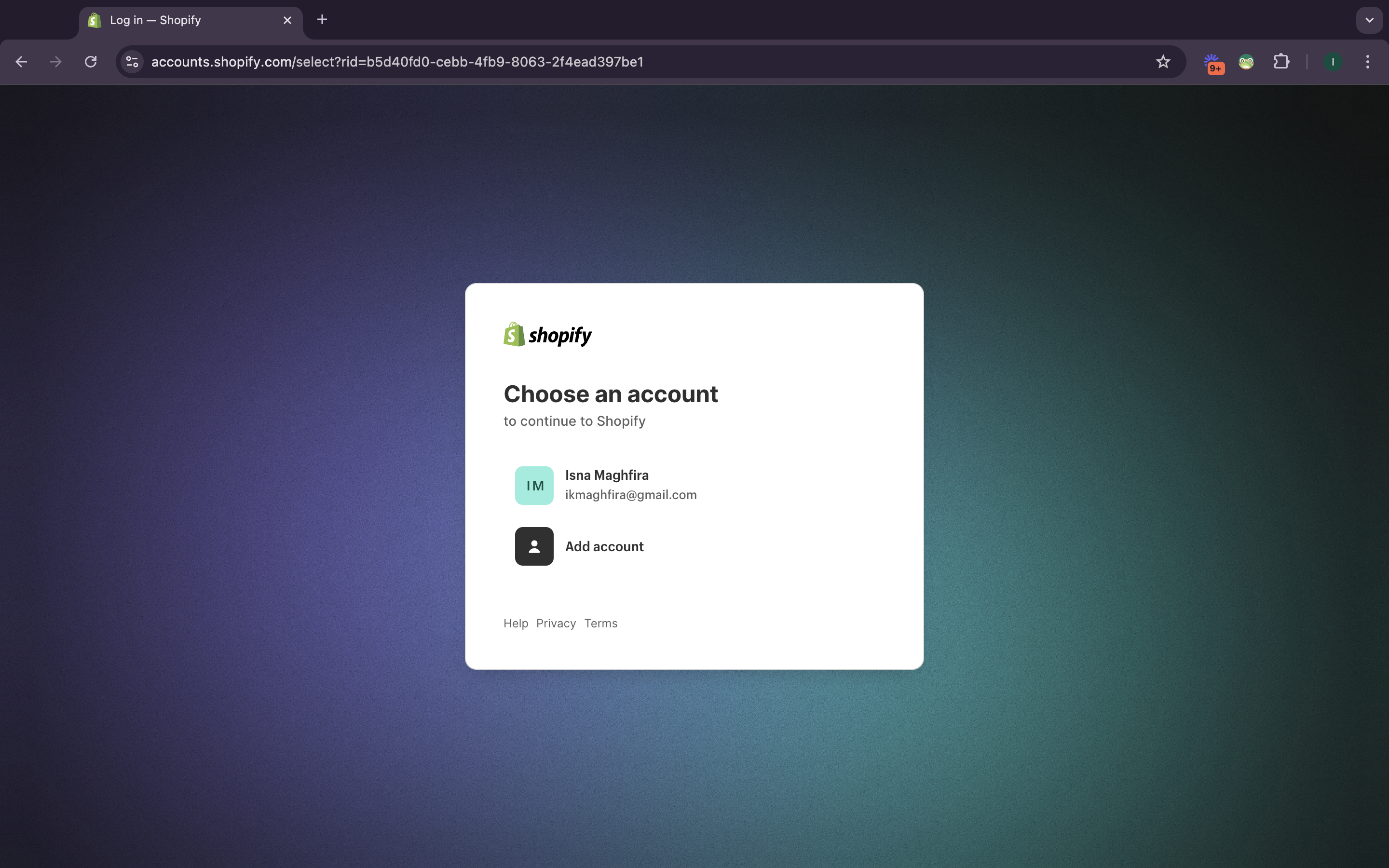
 6: Upon performing the action, you will be prompted to "Connect Store." A pop-up will appear to enter your Shopify store's account. Input the credentials and click.
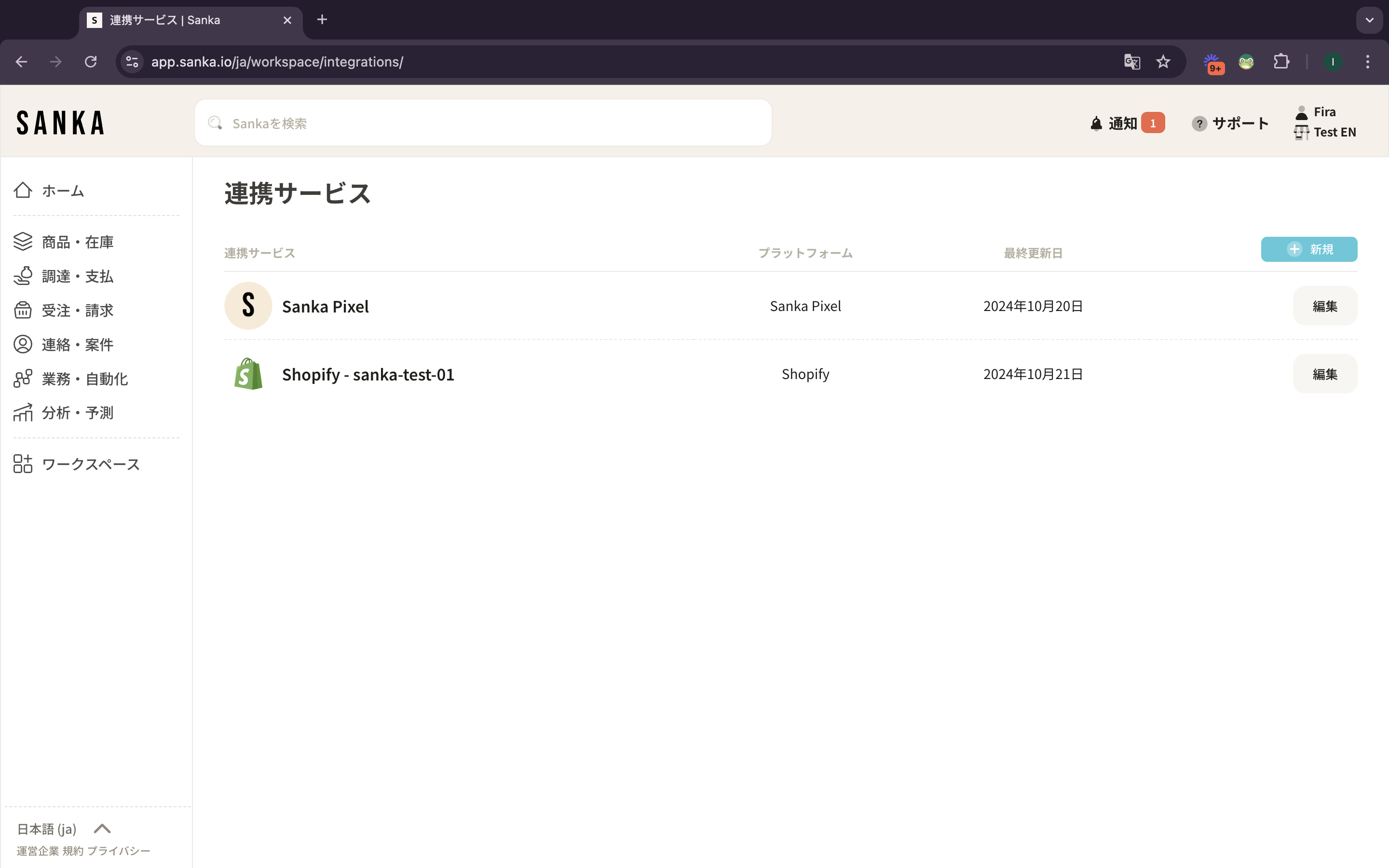
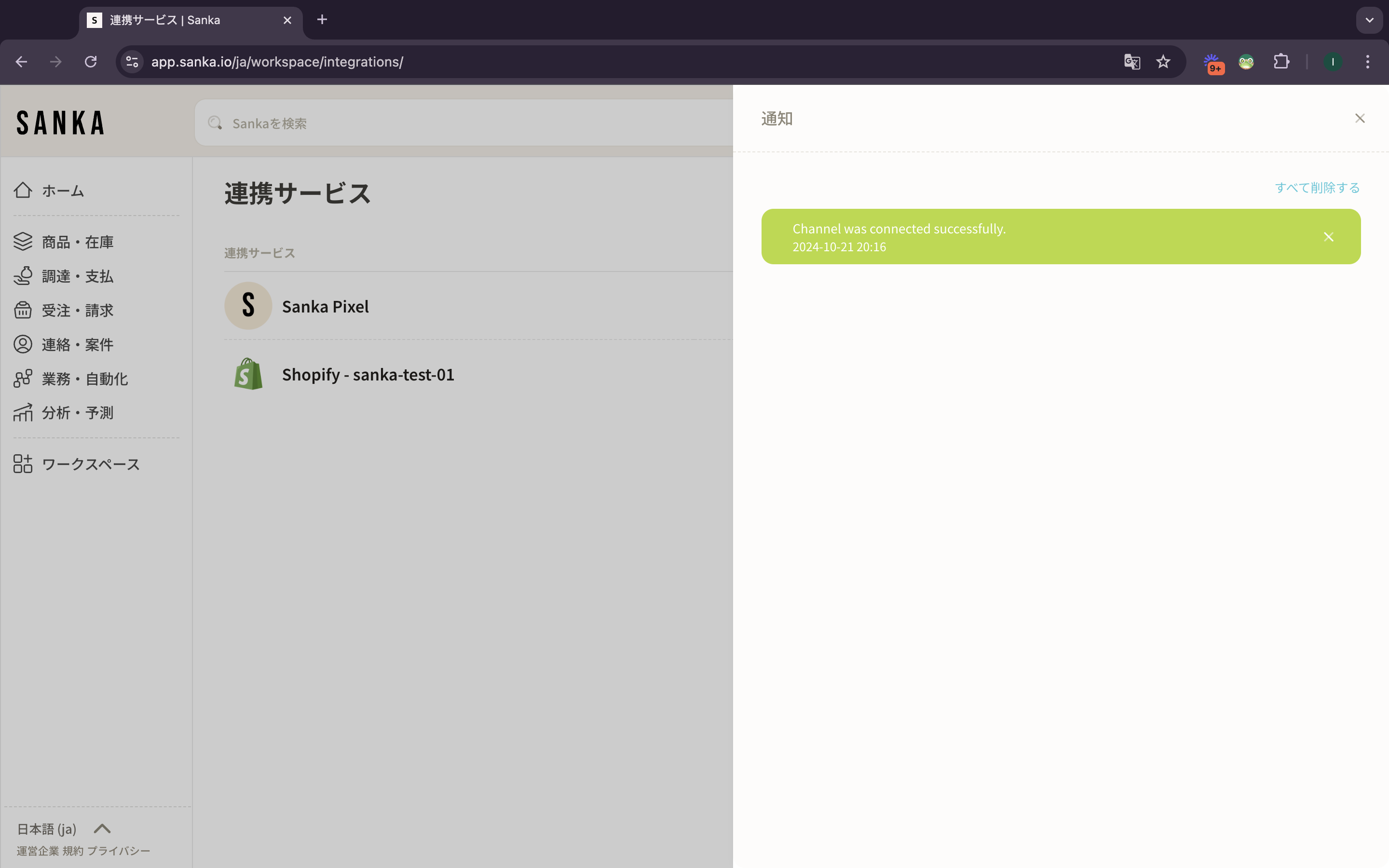
 7: Once the connection is authorized, you will be redirected to Sanka. Upon successful connection, the Shopify store will be displayed on the integration page.
 8: Notifications for integrated actions are also available.
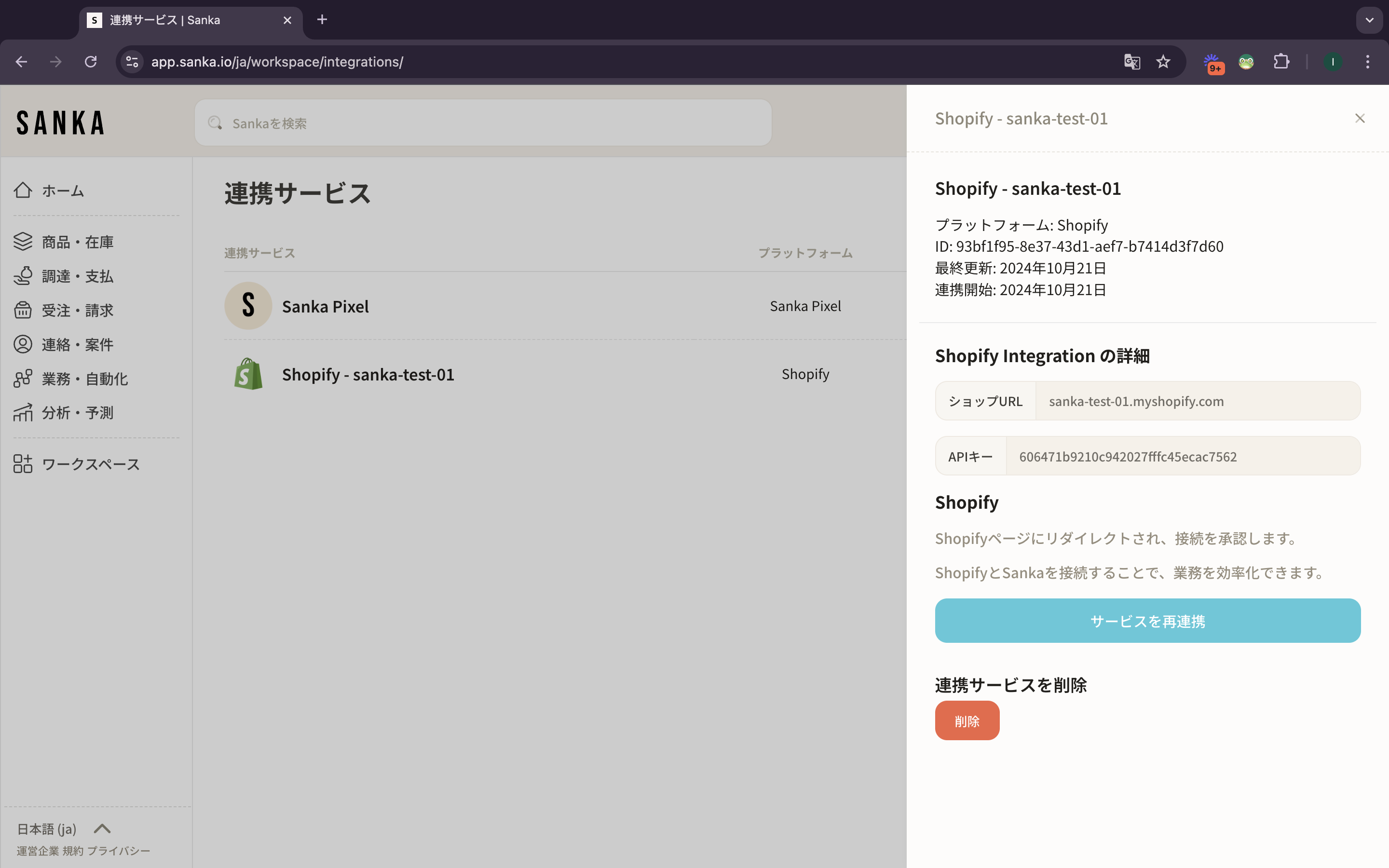
 9: When you click on the integrated Shopify store, detailed information will be displayed in the drawer.
Product Updates
- Create Shopify Integration on Sanka
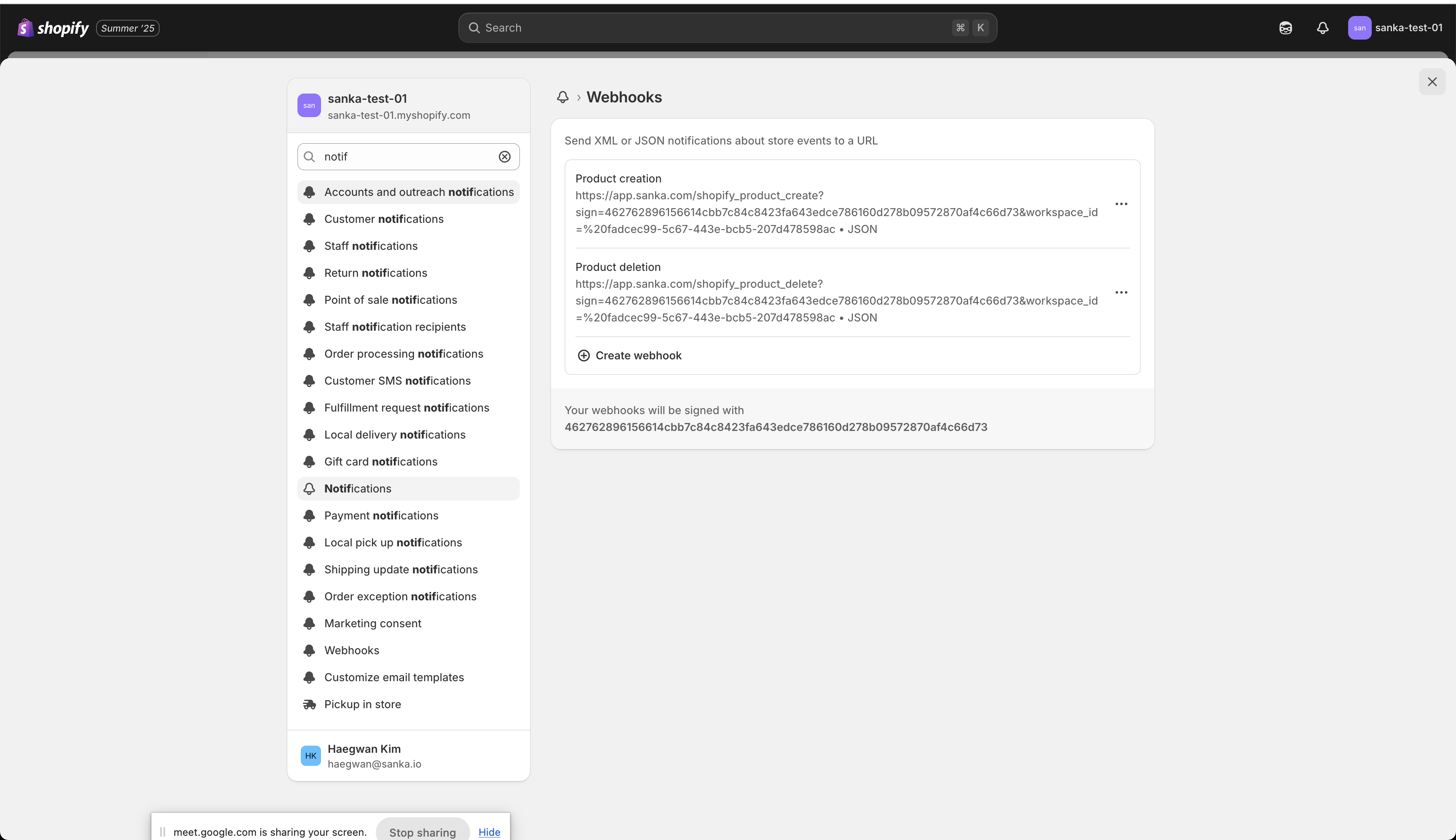
- Update webhook
- Create Workflow for product sync