HubSpot Integration
How to connect HubSpot account with Sanka
Overview
By integrating HubSpot CRM with Sanka ERP, you can synchronize HubSpot Contacts, Companies, Deals, and Custom Objects between the two platforms, streamline workflows, and increase productivity. Whether managing marketing campaigns or sales operations or customer services, this integration ensures that data is always up to date on both platforms. This guide explains the steps to connect Sanka and HubSpot to enable seamless operations.Steps to integrate Sanka with HubSpot
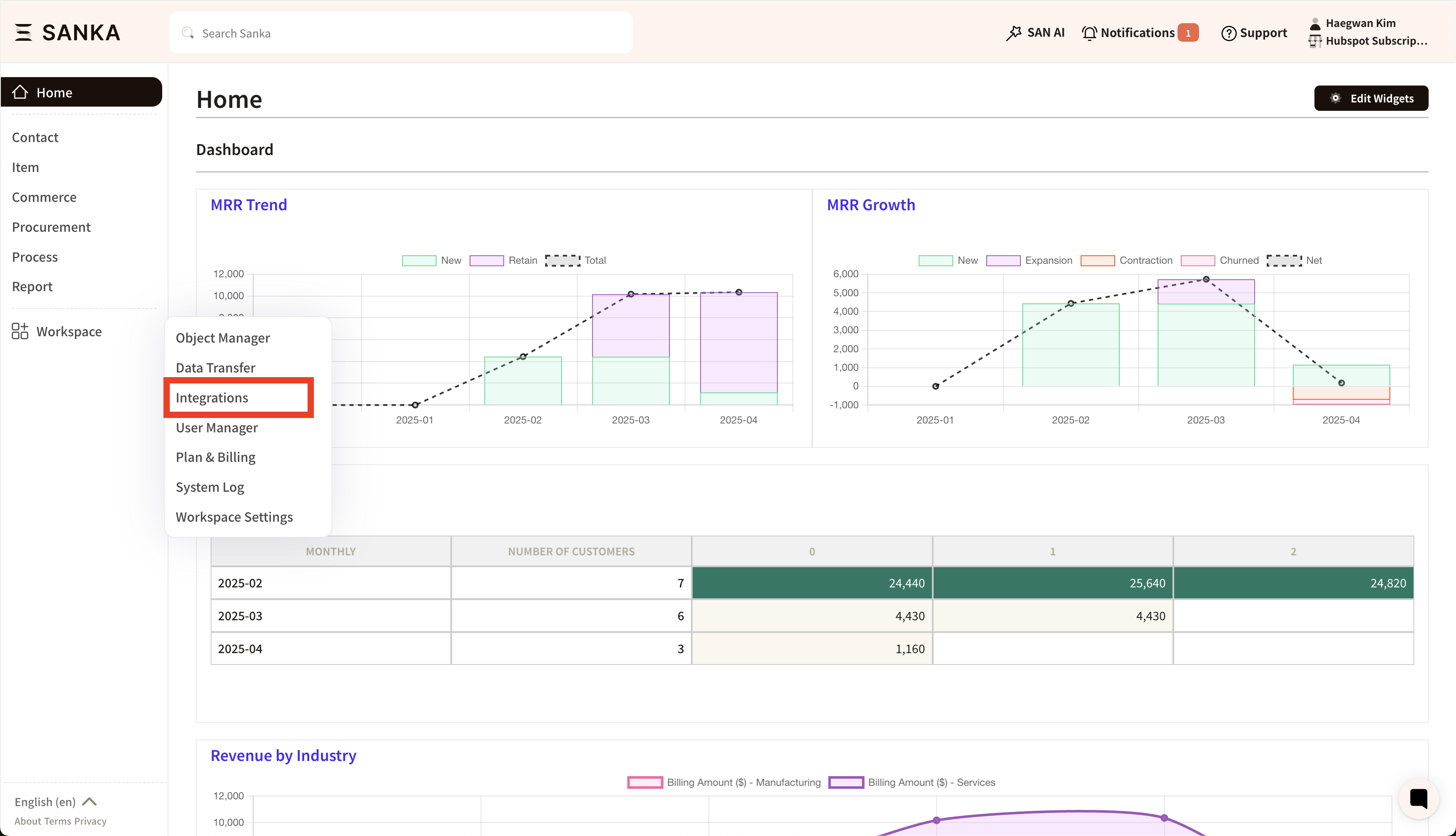
1. Access Sanka and log in with your credentials.2. Click on the "Workspace" tab located in the left-hand menu of the dashboard. Then, click "Integrations"
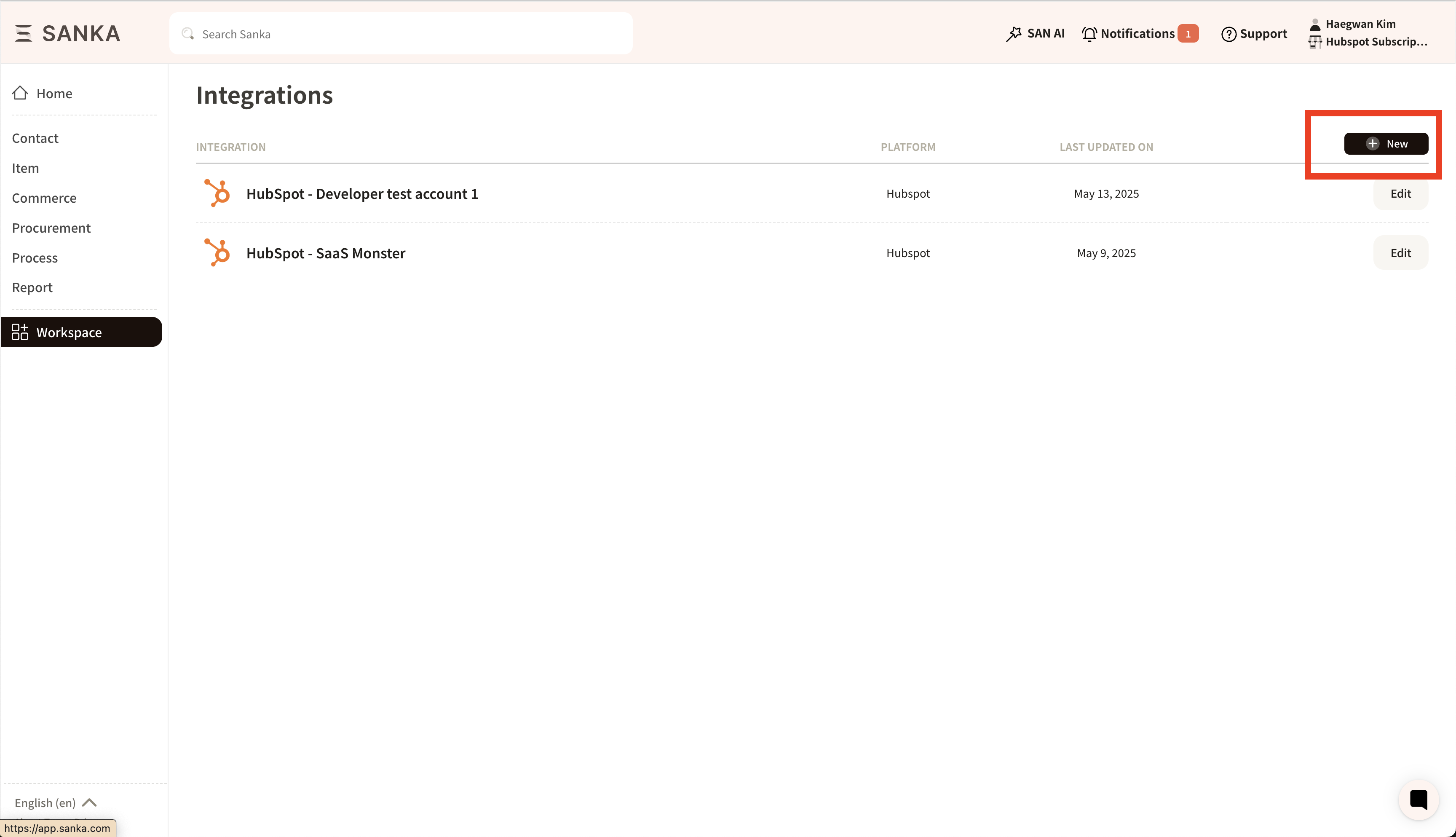
 3. Click on the "New" button located in the upper right-hand corner of the screen.
 4. The list page of integrated services will be displayed. Select “HubSpot” to begin the integration list.
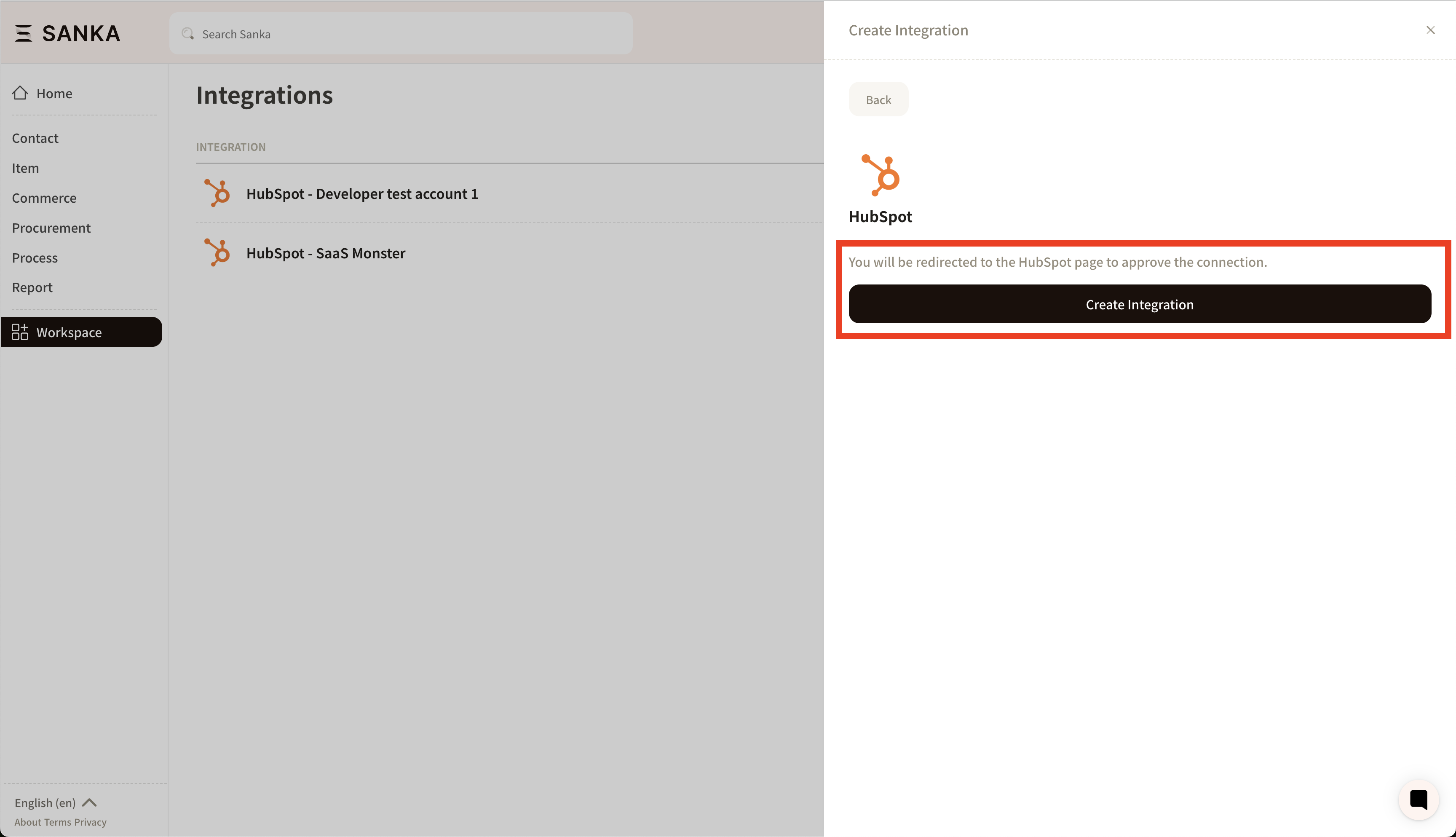
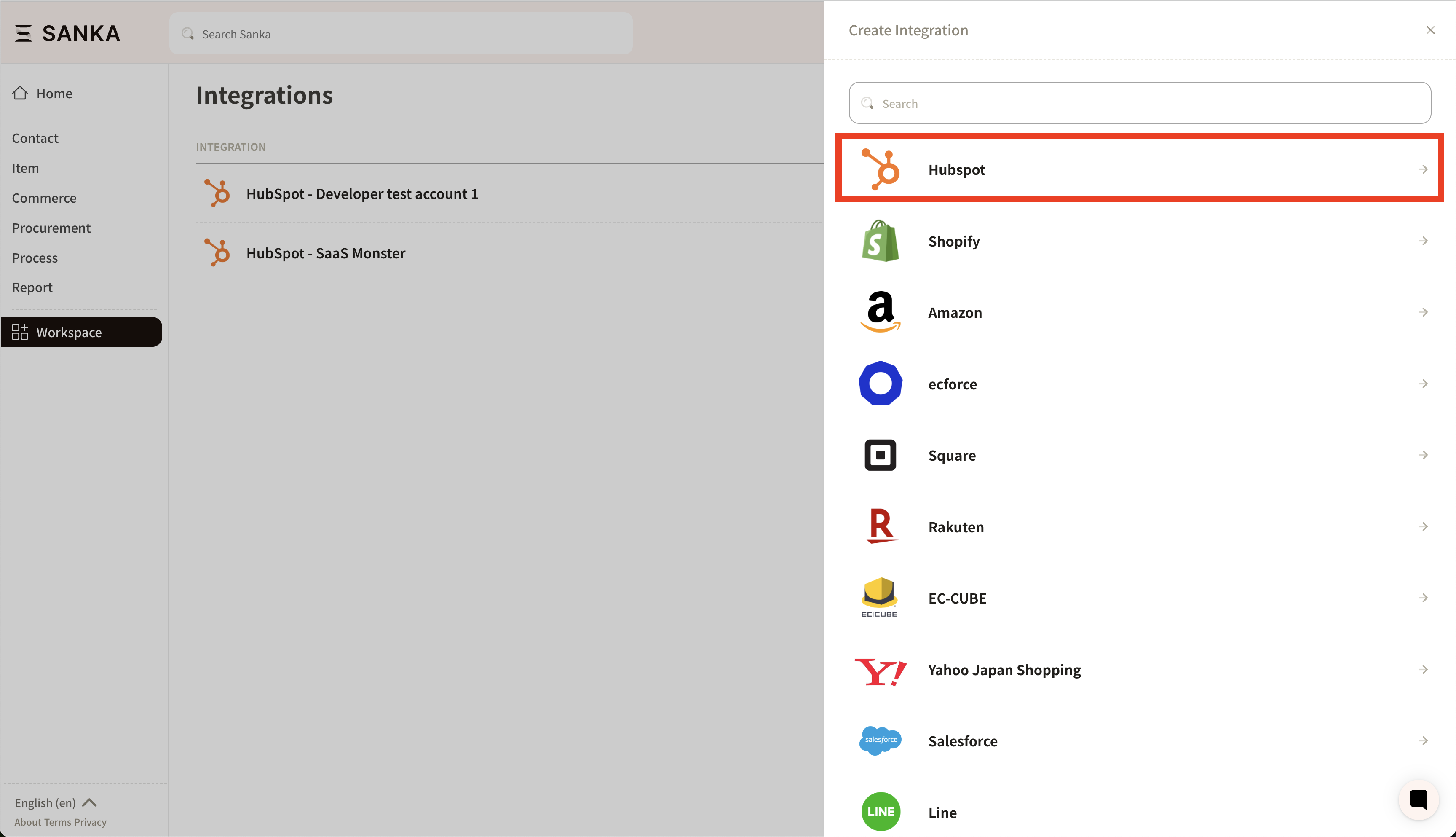 5. Once you select “HubSpot” click “Create Integration“.
 6. The HubSpot authentication page will be displayed. Select the account to be linked and grant permission.
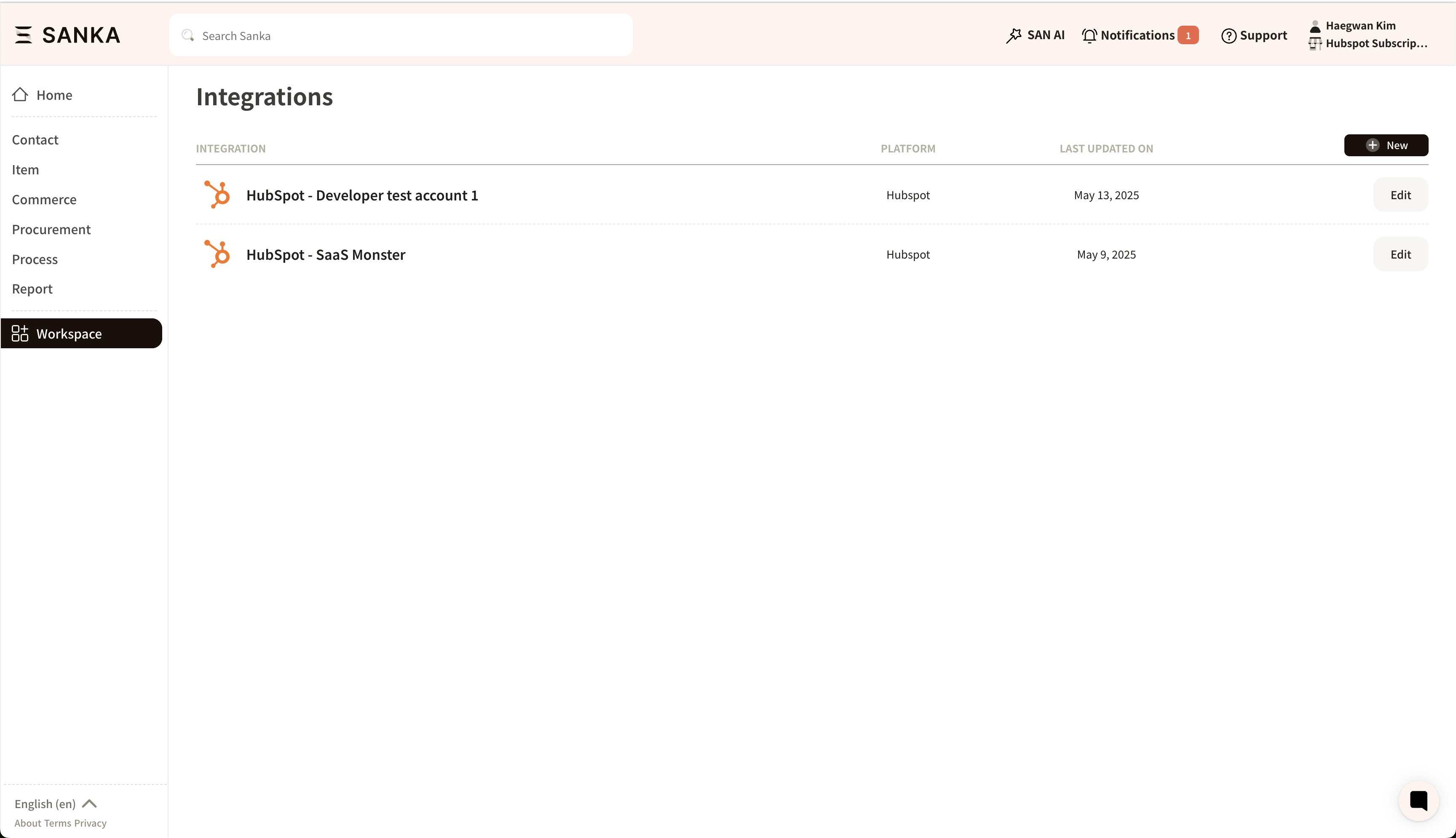
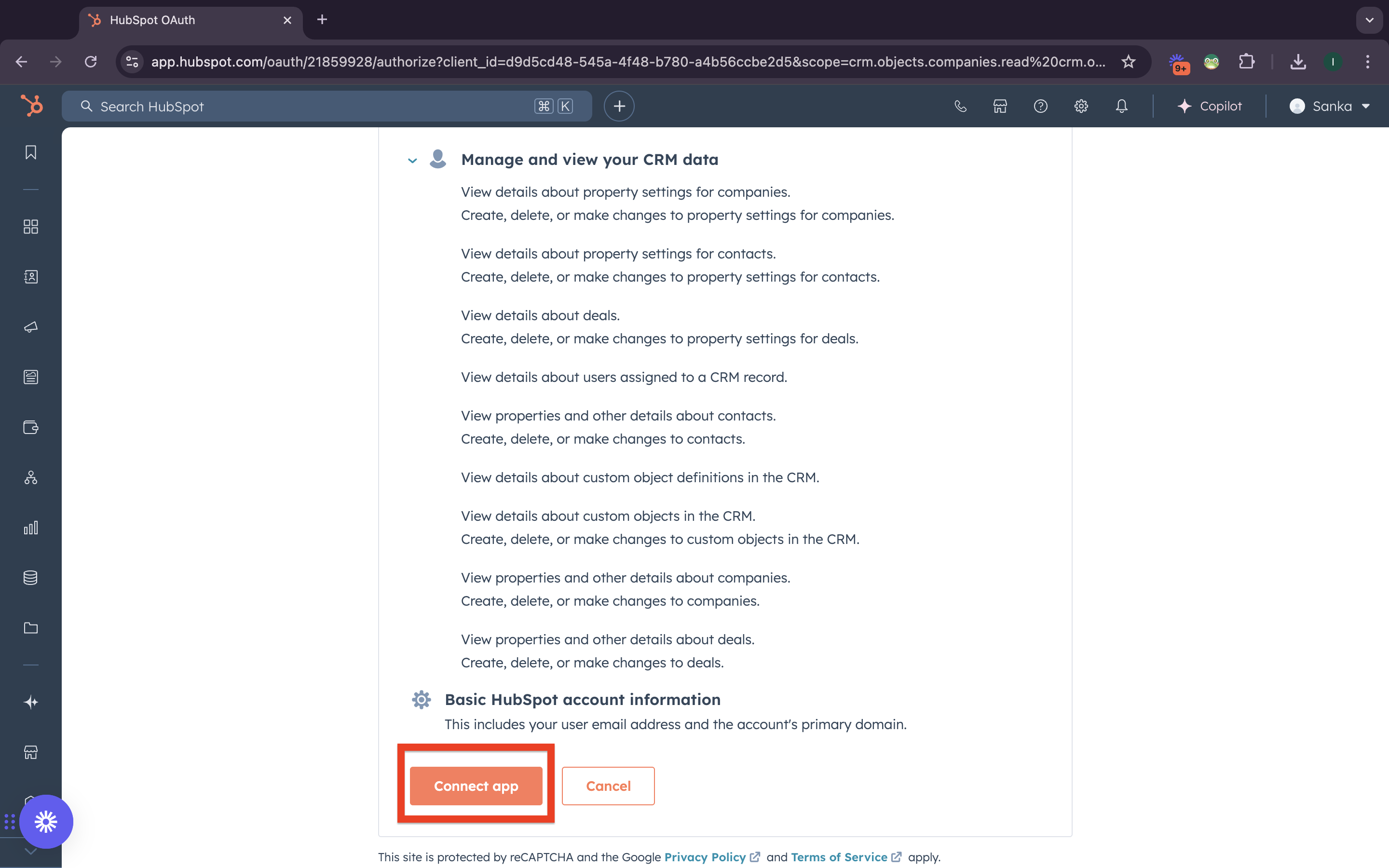 7. If you allow the integration, you will be redirected to Sanka. Once the integration is successful, the HubSpot account will appear on the integration page.