Timezone Settings
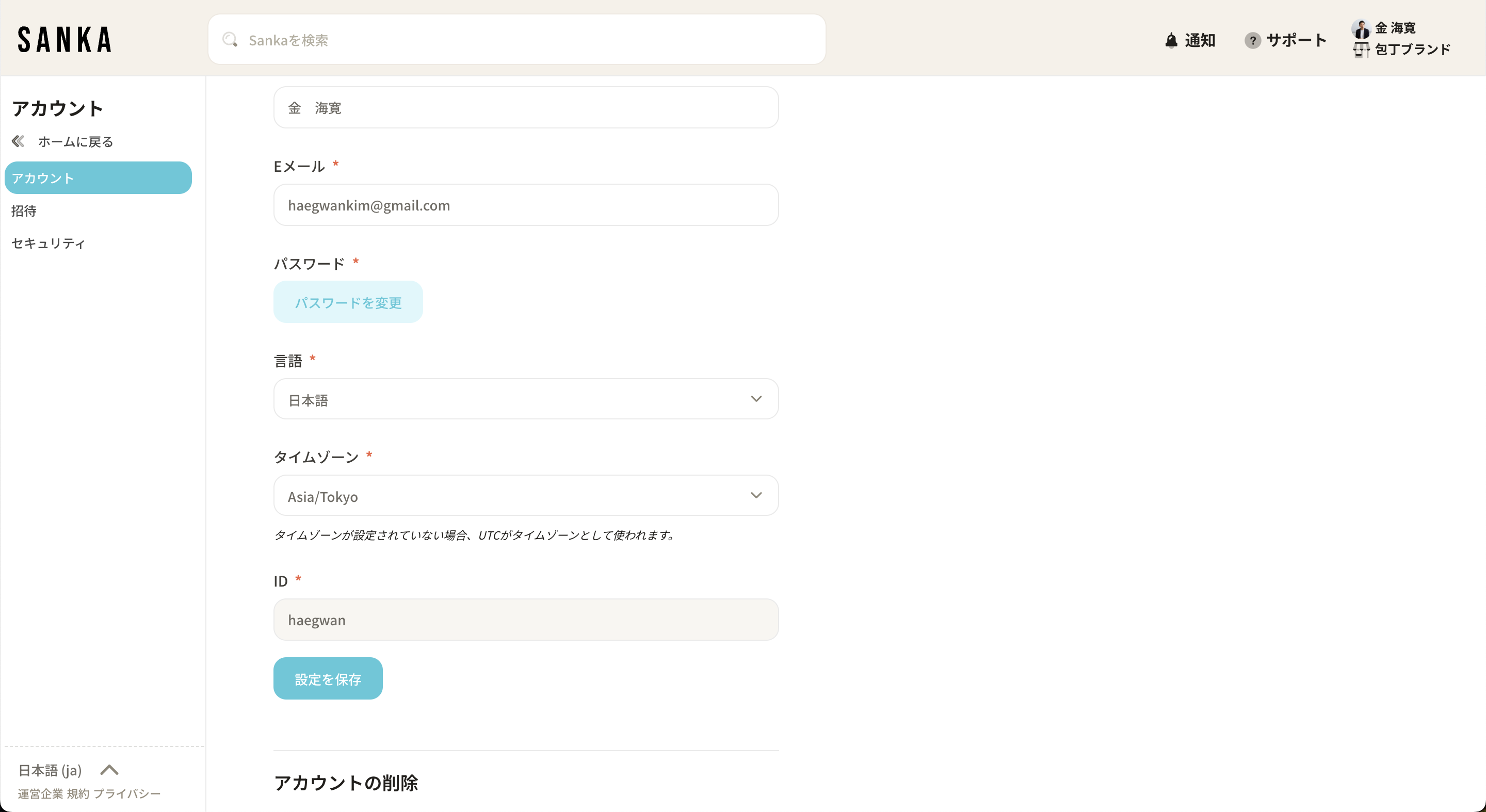
Configuring your timezone settings
As Sanka is used globally, you can configure the timezone for each user.
The times shown in tables will be displayed based on the user's configured timezone (UTC is used by default if not set).
You can change this from your account settings if needed.