How to Manage and Create Objects
How to Manage and Create Objects
How to Create and Manage Objects
It is not possible to change the names of any objects prepared by default (such as products and inventory). If you wish to create a new object, you can create a new custom object.How to Create Custom Objects
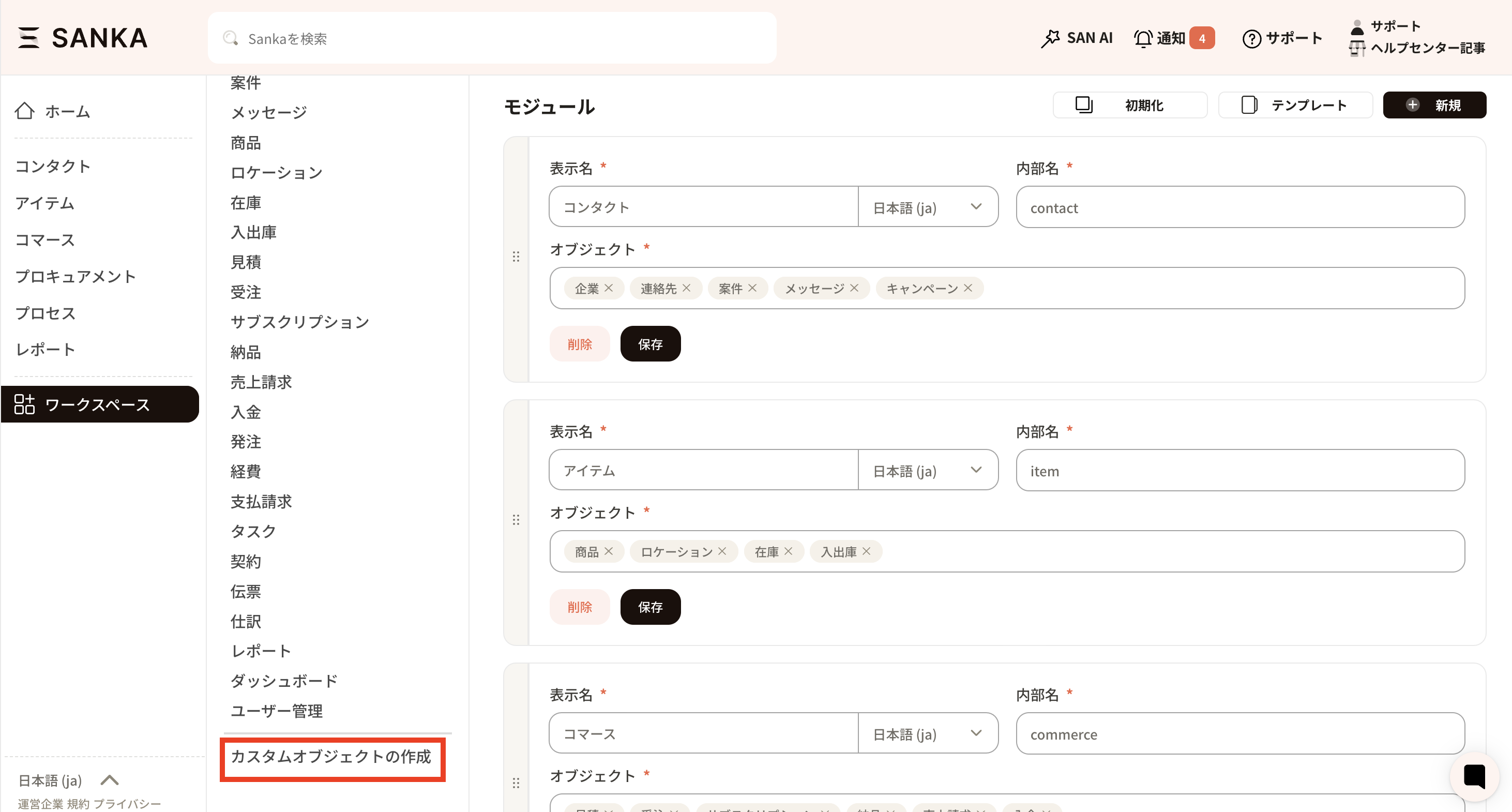
Custom objects can generally be configured freely. However, there is a restriction that form documents which could be created with, for example, the quotation or invoice objects, cannot be set up for custom objects. Please see below for an example of the procedure. ① First, go to Object Management from the workspace.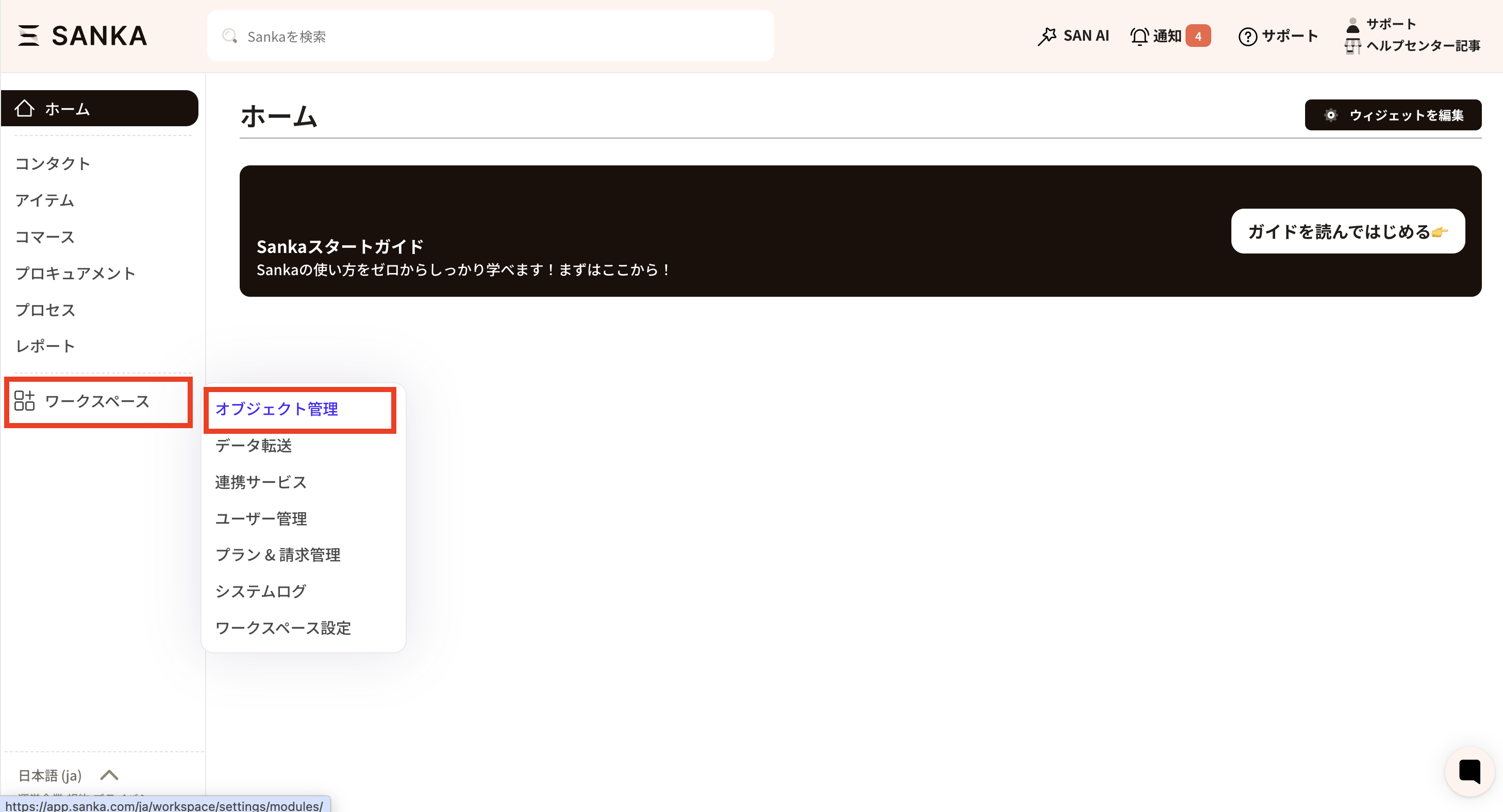 ② At the very bottom of Object Management, there is 'Create Custom Object', so create it from here.
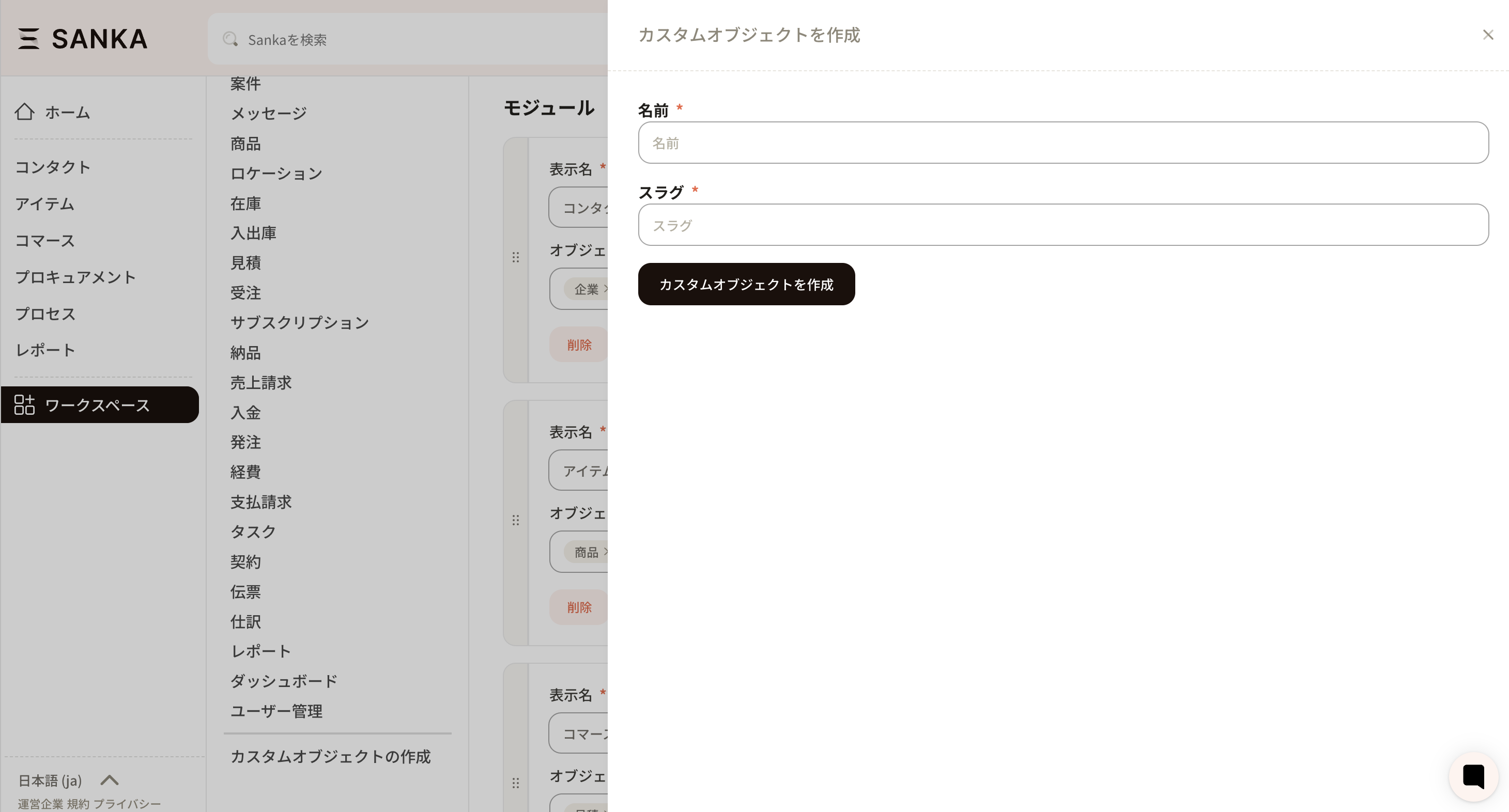
 ③ The screen for “Create Custom Object” will appear. First, create the framework for the object. Please enter the object name and slug. The slug is the internal name used within the Sanka system.
 ④ Enter the required information to create the custom object.
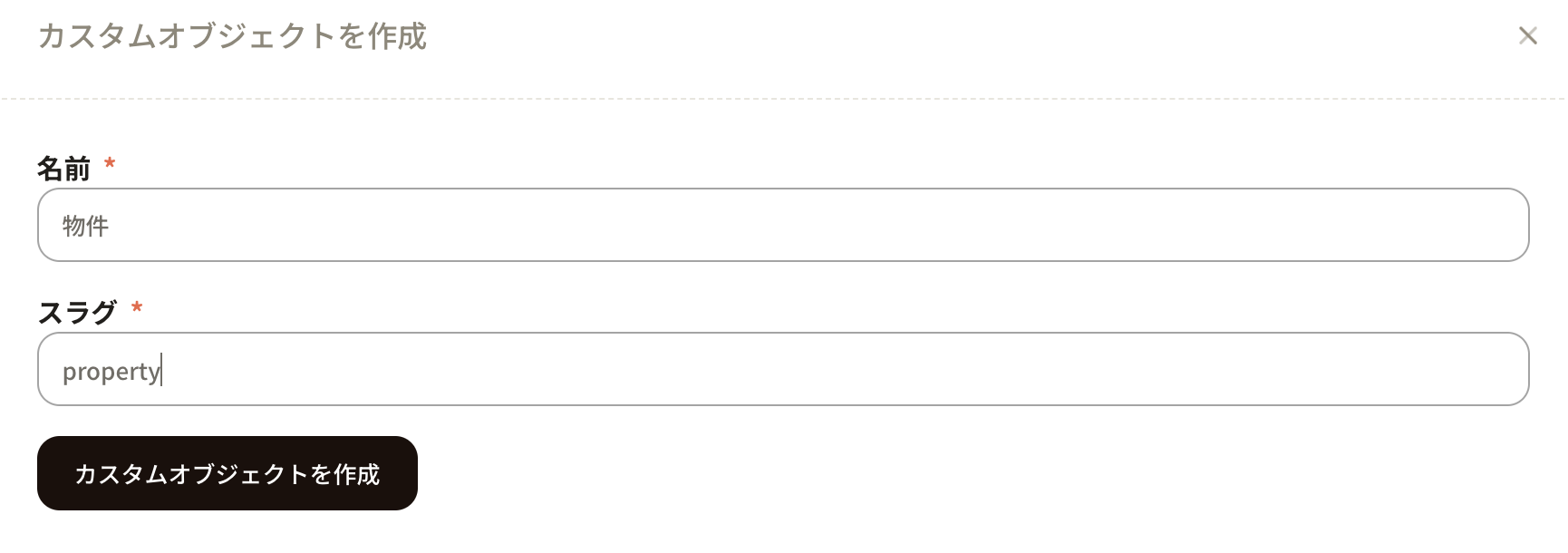 ⑤ The framework for the custom object created earlier has been added. Add the necessary properties from here.
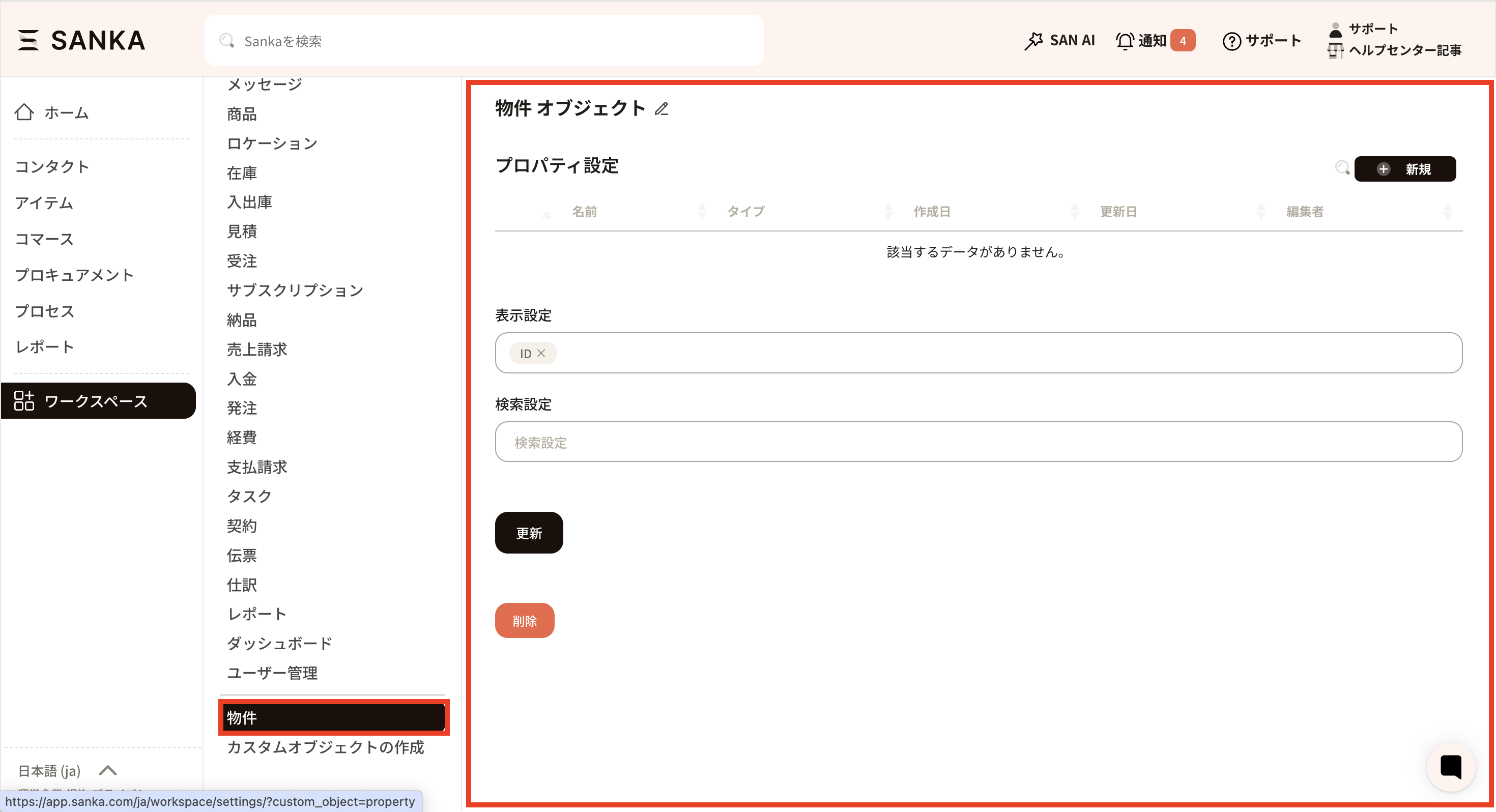
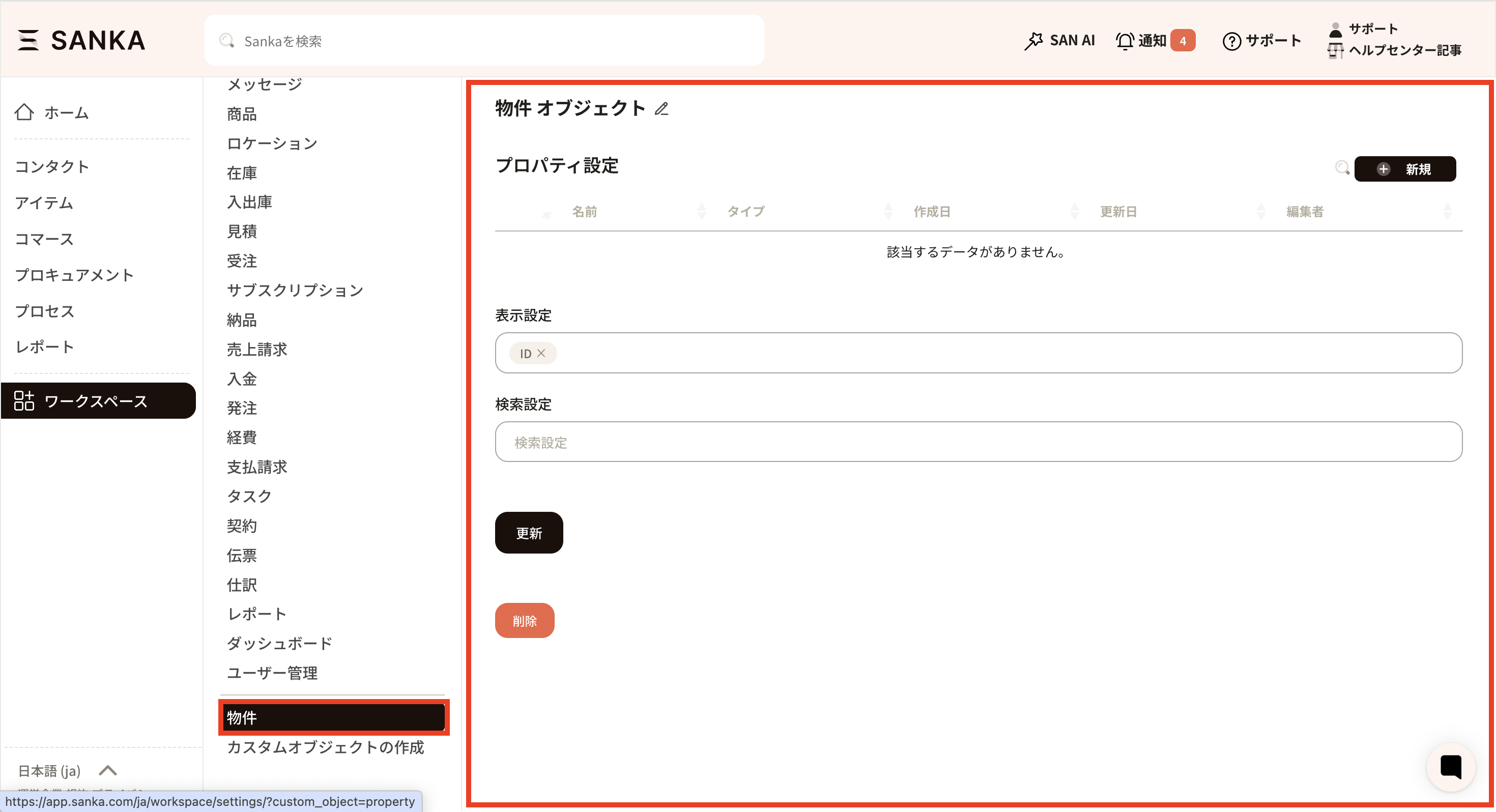 ⑥ For this example, we have created a “Property Object” in order to register a master record for properties.
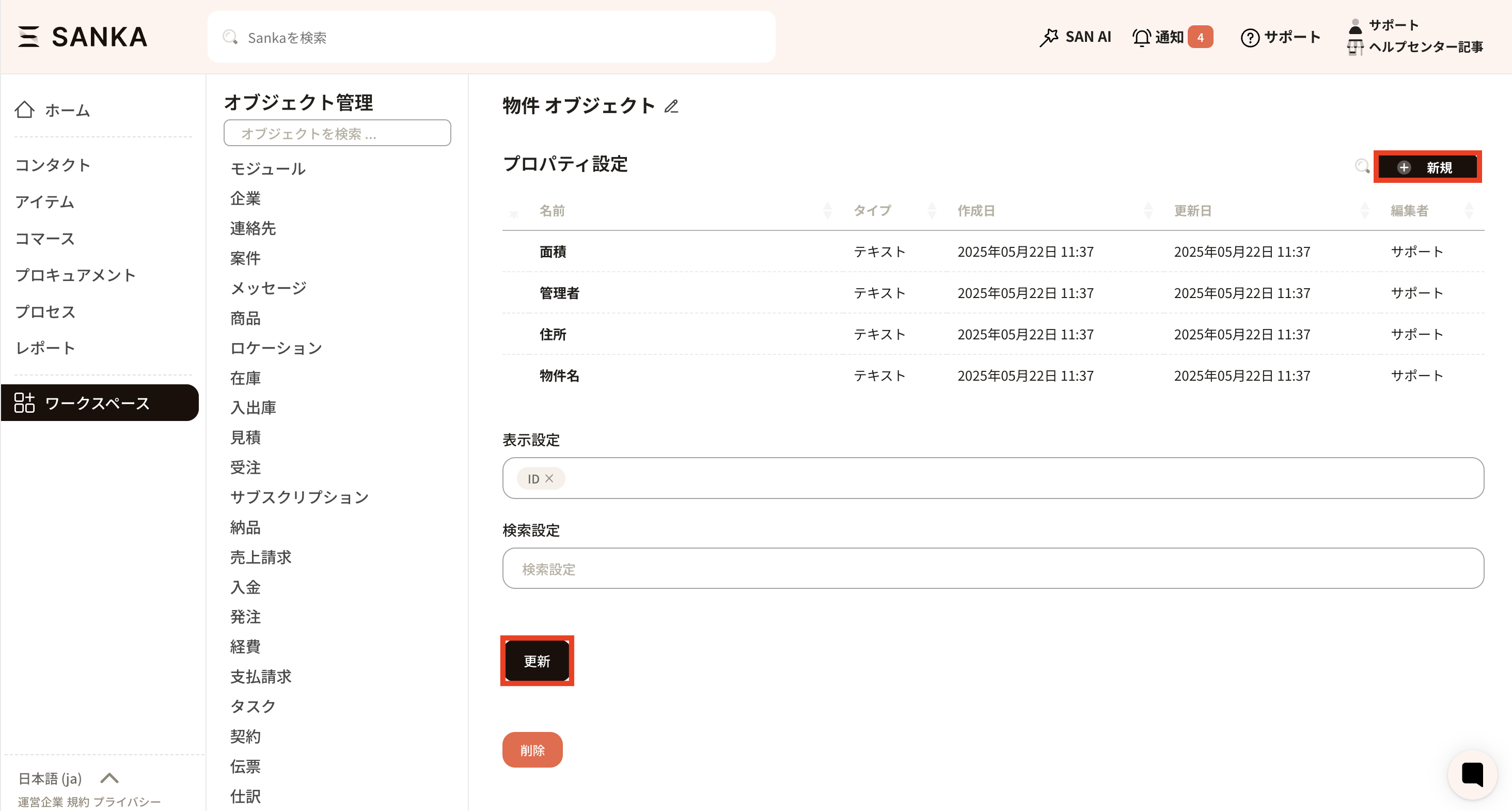
The necessary properties will be added.
 ⑦ Add properties using the New button located at the upper right. For information regarding how to create and manage properties, please refer to the article on property creation and management. After adding a property, please click the Update button to apply the changes.
 ⑧ Next, add the custom object you created to the module.
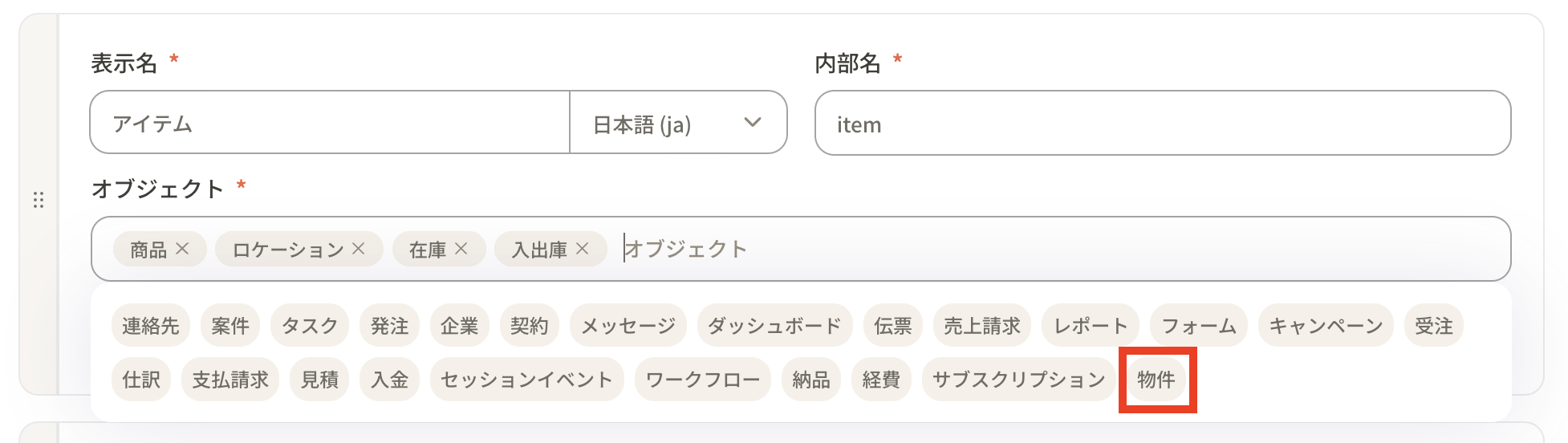
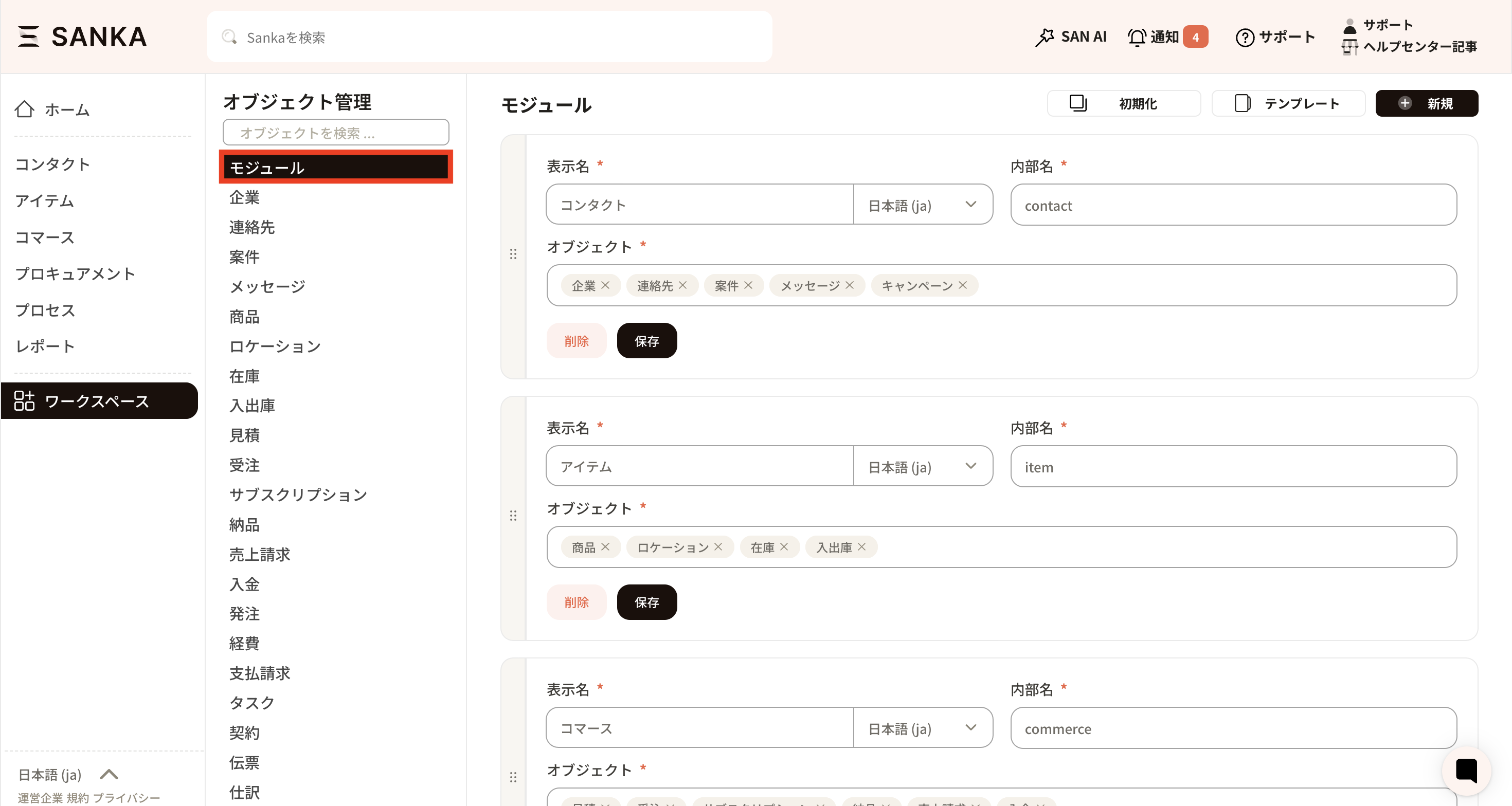 ⑨ In this example, we will add it to the Items module. When you select the object frame of the module where you wish to add it, all available objects will be displayed. Add the relevant object and click the save button.
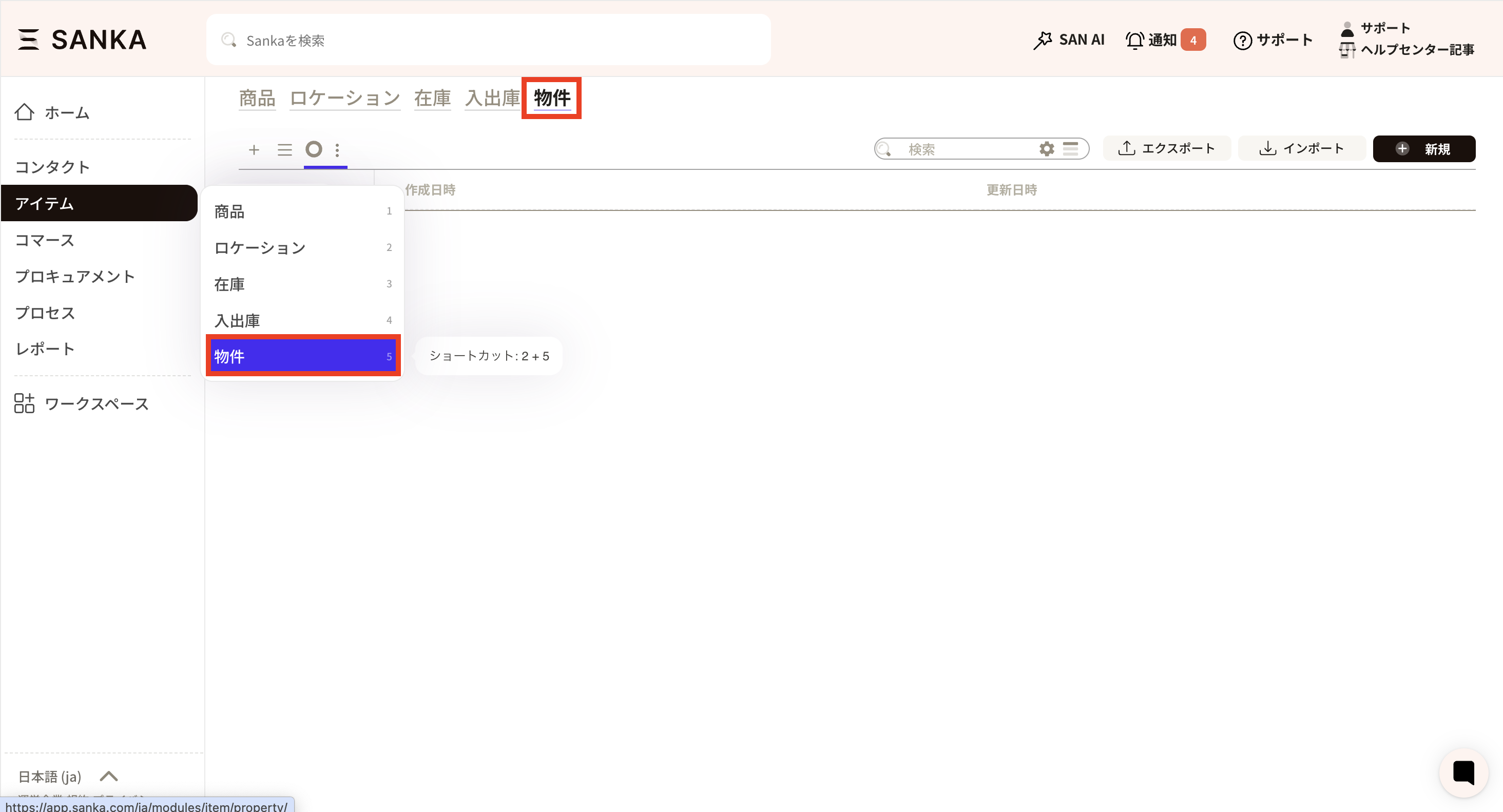
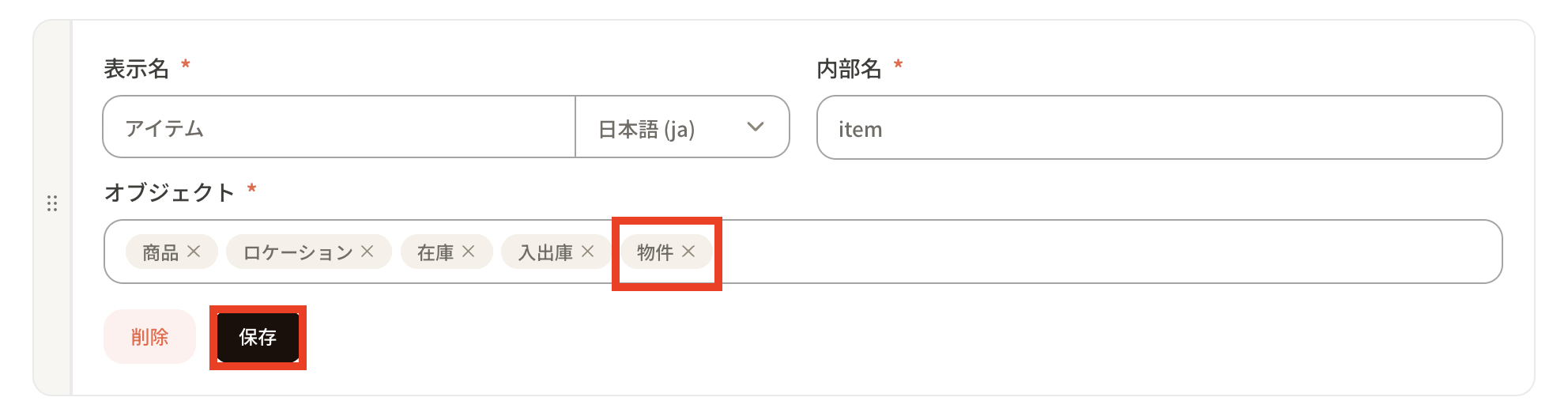 When you go to the item module, the customized object of the property you just created will be added and displayed.